React library
Get started with the React library
Install qrdx, render a styled QR code in a React component and save it as a file, in a few minutes.
By the end of this page you will have a styled QR code rendered by a React component and a button that saves it as an SVG. The library draws the code itself, so you need no account and no API key.
Before you start
- A React app on React 18 or newer. Next.js, Vite, Remix and the others all work.
- Node.js 18 or newer.
Want to see the options before you write any code? Style a code in the playground and copy it as a React component.
Build it
Install qrdx
npm install qrdxreact and react-dom are peer dependencies, so the package uses the versions your app already has. Nothing else is installed: PDF export needs the optional jspdf package, and only when you use it.
Render a code
import { QRCode } from "qrdx";

export function FirstQrCode() {
  return <QRCode value="https://example.com" size={256} />;
}
Put the component on a page. You see a 256 px code in the library's default look: round modules, gear-shaped corner eyes and black on white. Point a phone camera at the screen and it opens example.com.
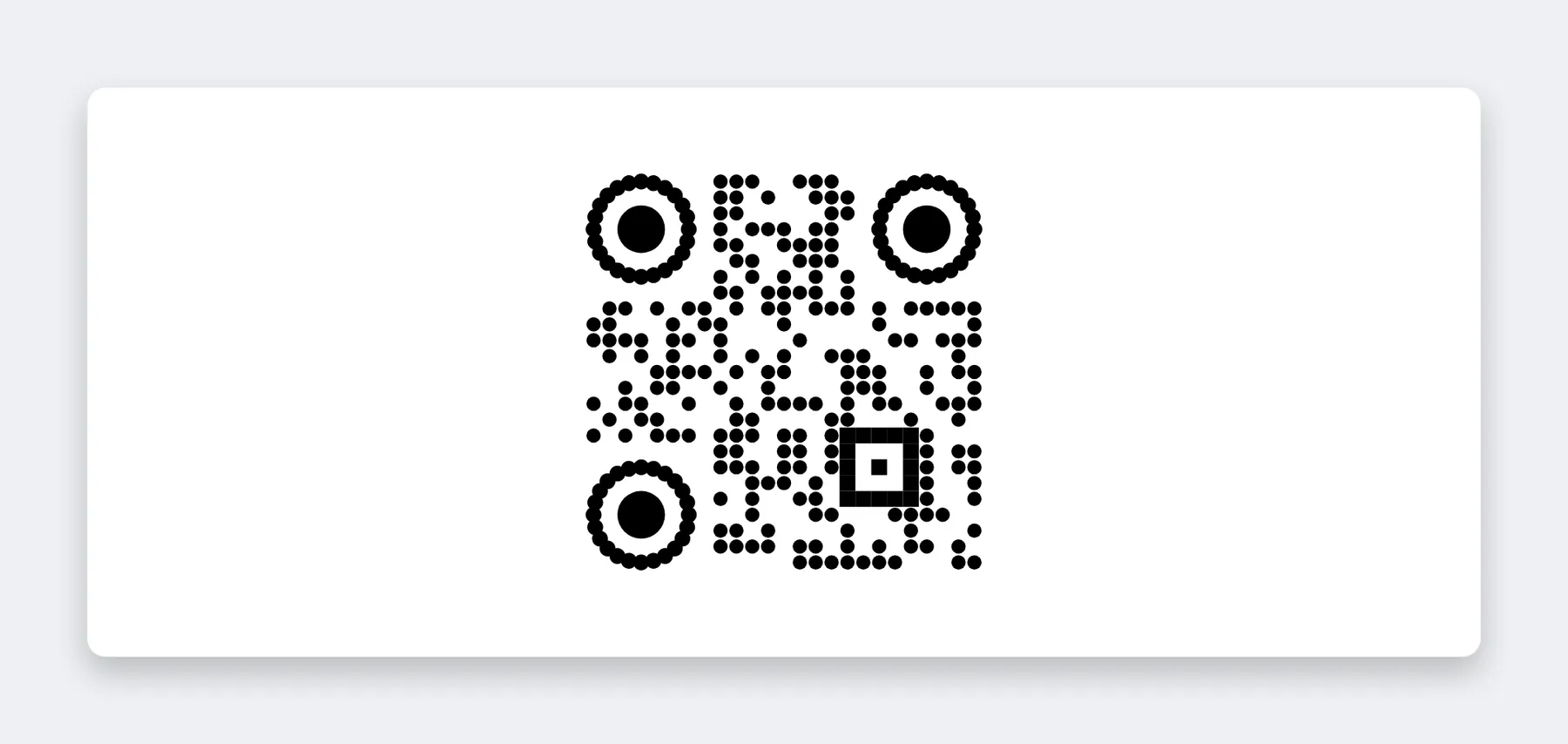
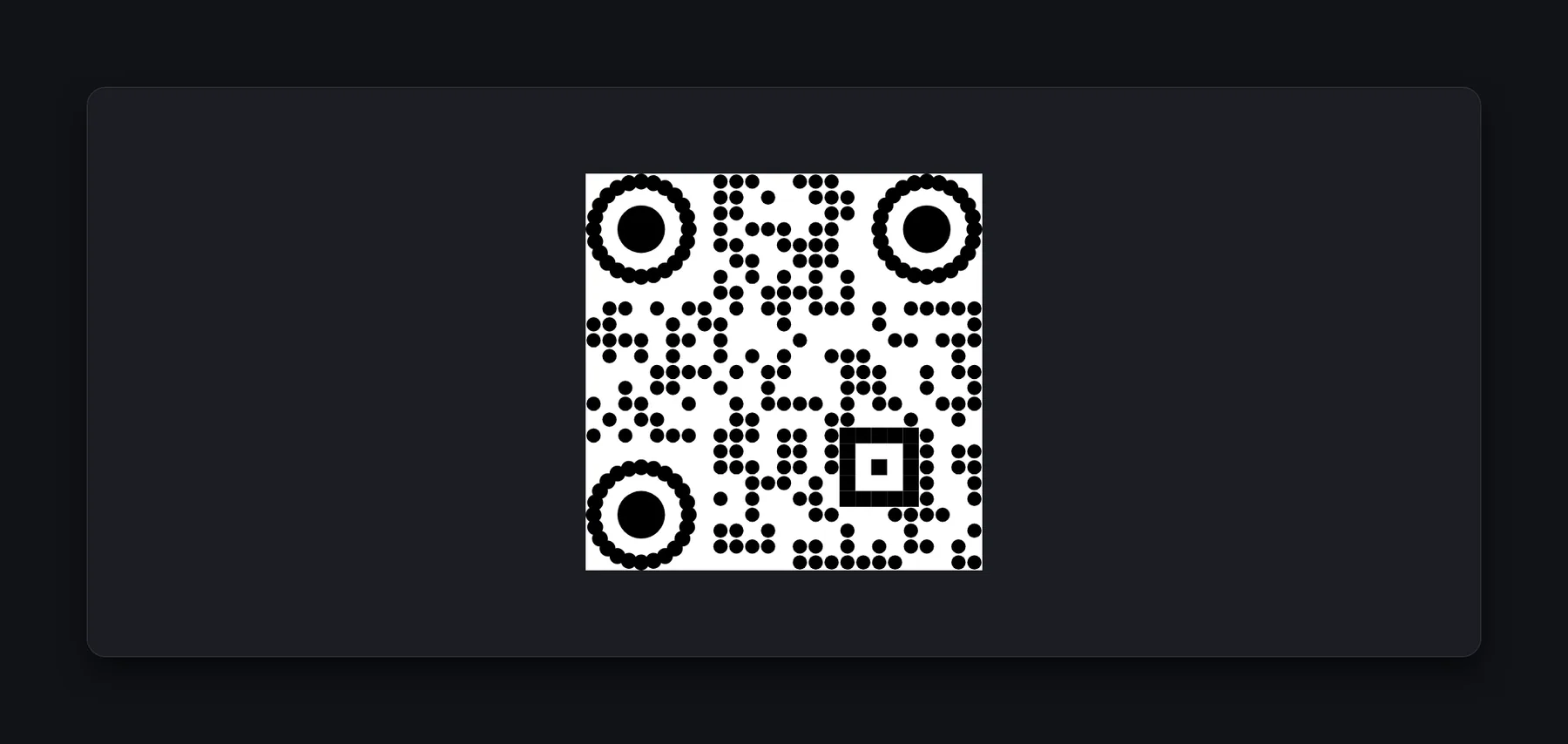
QRCode renders an <svg> and uses no browser-only hooks, so it works in React Server Components and renders in the page's HTML before any JavaScript runs. Screen readers get nothing from it on its own: step 3 shows how to label it.
Style it
import { QRCode } from "qrdx";

export function StyledQrCode() {
  return (
    <QRCode
      value="https://example.com/menu"
      size={256}
      margin={4}
      fgColor="#1d4ed8"
      bodyPattern="rounded"
      cornerEyePattern="extra-rounded"
      cornerEyeDotPattern="rounded"
      frame={{ style: "banner-bottom", text: "Scan for the menu" }}
    />
  );
}
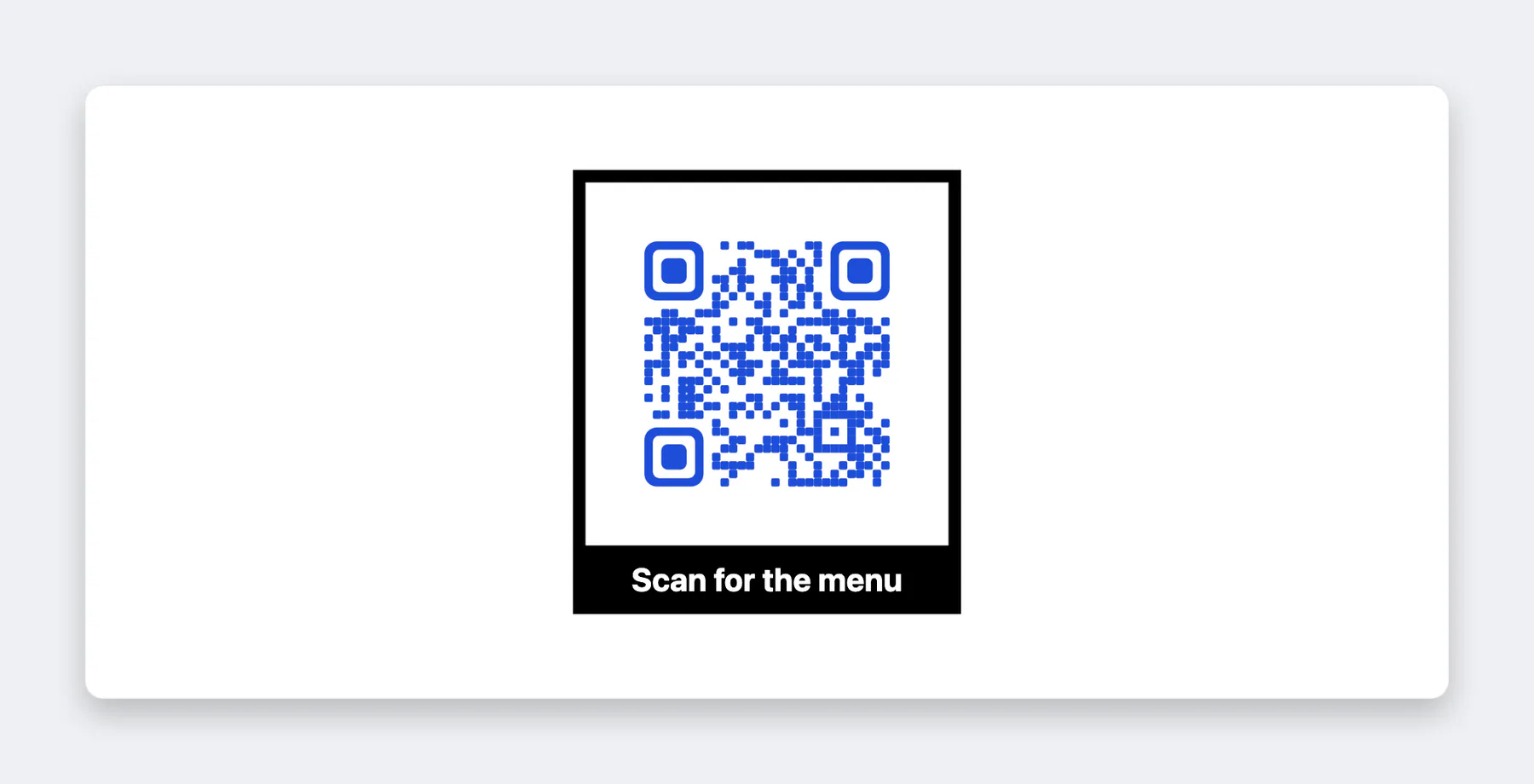
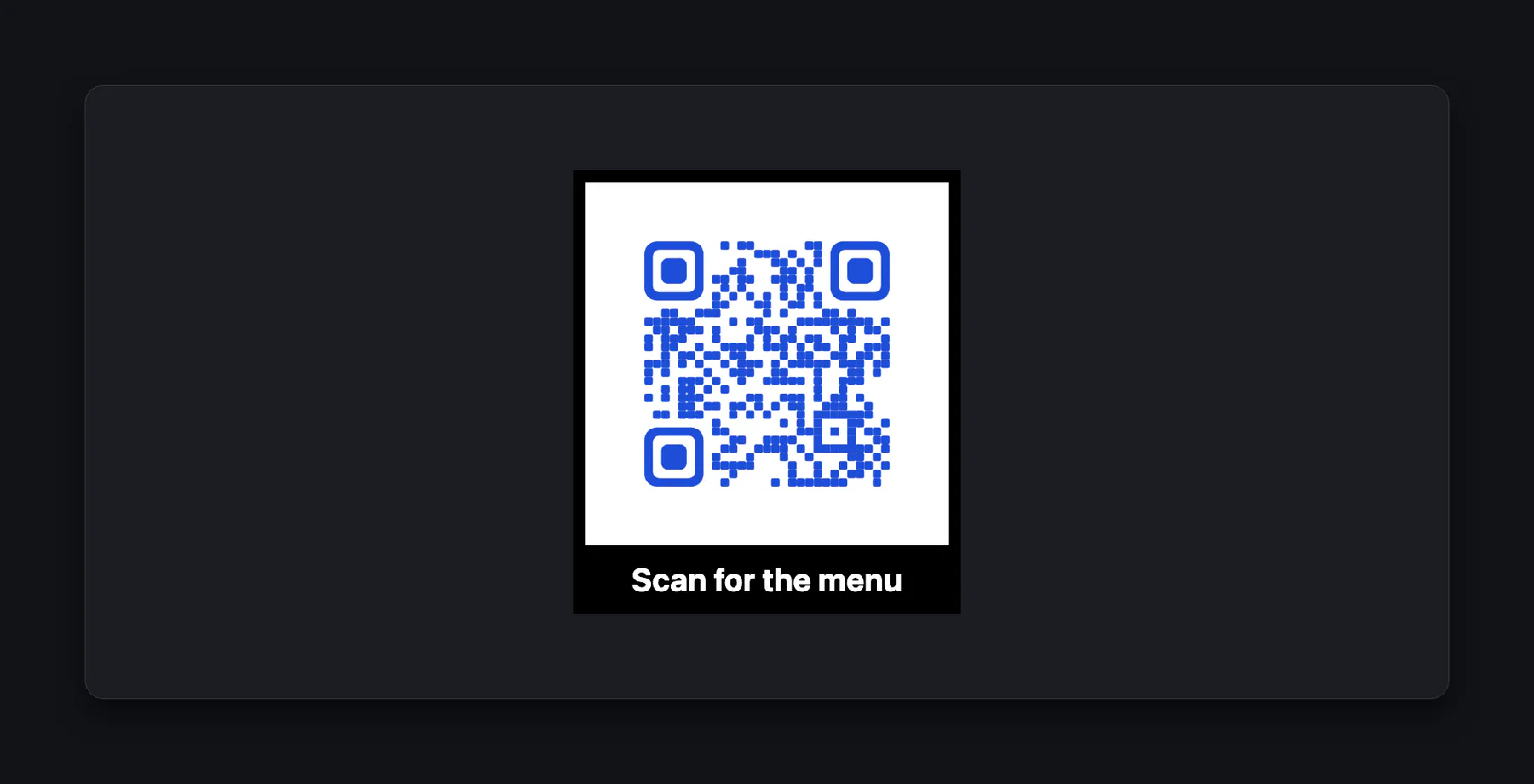
The code is now blue with rounded modules, and a banner under it reads "Scan for the menu". The output is taller than 256 px, because a frame is added around the code rather than drawn over it, so the code still scans.
What each prop does:
marginis the quiet zone around the code, in modules. The default is 0, which suits a code inside a card with its own padding. Use 4 on a busy or dark background.fgColortakes any CSS color or a gradient.bgColor,eyeColoranddotColorwork the same way.bodyPattern,cornerEyePatternandcornerEyeDotPatternshape the modules, the corner eyes and the dots inside them. There are 23 body patterns, 17 eye shapes and 21 eye centers, all drawn live in Shapes, eyes and frames.frameadds one of 19 built-in call-to-action frames, or a frame of your own.QRCodetakes the code's own props andstyle, nothing else. To give the code an accessible name or a class, wrap it in an element (<div role="img" aria-label="QR code for the menu">), or renderQRCodeSVG, which putsaria-label,classNameand any other attribute on the<svg>.
Save it as a file
"use client";

import { downloadQRCode } from "qrdx";

const menuCode = {
  value: "https://example.com/menu",
  margin: 4,
  fgColor: "#1d4ed8",
  bodyPattern: "rounded",
  frame: { style: "banner-bottom", text: "Scan for the menu" },
} as const;

export function DownloadSvgButton() {
  return (
    <button
      type="button"
      onClick={() =>
        downloadQRCode(menuCode, {
          format: "svg",
          size: { width: 1024, height: 1024 },
          filename: "menu.svg",
        })
      }
    >
      Download SVG
    </button>
  );
}
Clicking the button saves menu.svg: the same code as on screen, drawn at 1024 px and sharp at any size, which is the file a print shop asks for. Set format to png, jpg or webp for an image, eps for a vector file for design tools, or pdf (needs the optional jspdf package).
downloadQRCode uses the browser's DOM, so the button lives in a Client Component. A Server Component can still render it. Keep the code's options in one object, as above, so the file matches the preview.
Check that it scans
Scan the code with two or three phones before you print it. For a design with unusual colors or a logo, getScanScore runs the same checks in the browser and returns a score, a grade and what to fix:
import { getScanScore } from "qrdx";

const { score, grade, checks } = await getScanScore({
  value: "https://example.com/menu",
  fgColor: "#1d4ed8",
  bodyPattern: "rounded",
});
// score: 0 to 100, grade: "great" | "ok" | "risky" | "fails"
// checks: [{ id, passed, message, fix? }]
You can also upload a screenshot or a photo of a printed code to the scan checker.
If something goes wrong
Module not found: Can't resolve 'qrdx'. Install the package in the workspace or app that imports it, then restart the dev server.- The code renders but phones don't read it. Add
margin={4}, keep dark modules on a light background, and render it at least 128 px wide on screen. A code won't scan lists the other causes. PDF export needs the optional "jspdf" package. Runnpm install jspdfin the same package. SVG, PNG, JPG, WebP and EPS need nothing extra.
Related
Was this page helpful?
Last updated on