React library
Svelte
Styled QR codes in Svelte and SvelteKit with qrdx/svelte. A use:qrcode action that follows your state, server-rendered markup from toSVGString, and hydration that keeps the SVG.
By the end of this page you will have a styled QR code in a Svelte component that follows your state, rendered on the server by SvelteKit, and a button that saves it as a PNG. qrdx/svelte has a Svelte action, qrcode, that draws the same SVG as the React QRCodeSVG into an element and redraws it when its options change. It is in qrdx from 0.0.67.
Before you start
- A Svelte 5 or Svelte 4 project, with SvelteKit or Vite.
Build it
Install qrdx
npm install qrdxThe action is a plain function: the package has no .svelte files and imports nothing from Svelte, so it needs no Svelte peer dependency or preprocessor, and you do not need react.
Draw a code that follows your state
<script lang="ts">
  import { qrcode, type QRSVGOptions } from "qrdx/svelte";

  let color = $state("#0f172a");

  const options = $derived<QRSVGOptions>({
    value: "https://example.com/menu",
    size: 256,
    margin: 4,
    fgColor: color,
    frame: { style: "banner-bottom", text: "Scan me" },
    "aria-label": "QR code for the menu",
  });
</script>

<div use:qrcode={options}></div>
<button type="button" onclick={() => (color = "#1d4ed8")}>Blue</button>
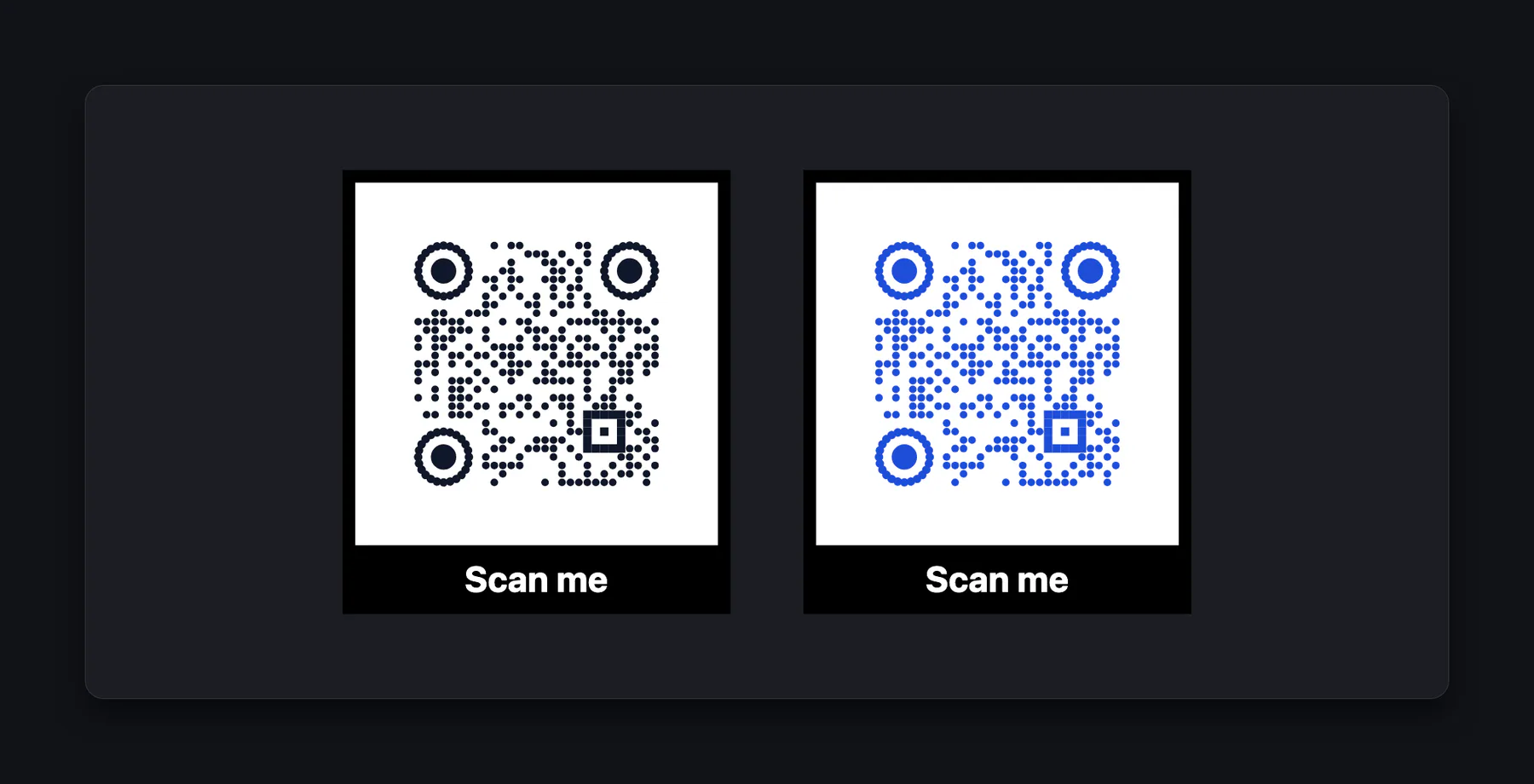
The page shows a dark code with a "Scan me" banner. Click Blue and the code is redrawn in blue.
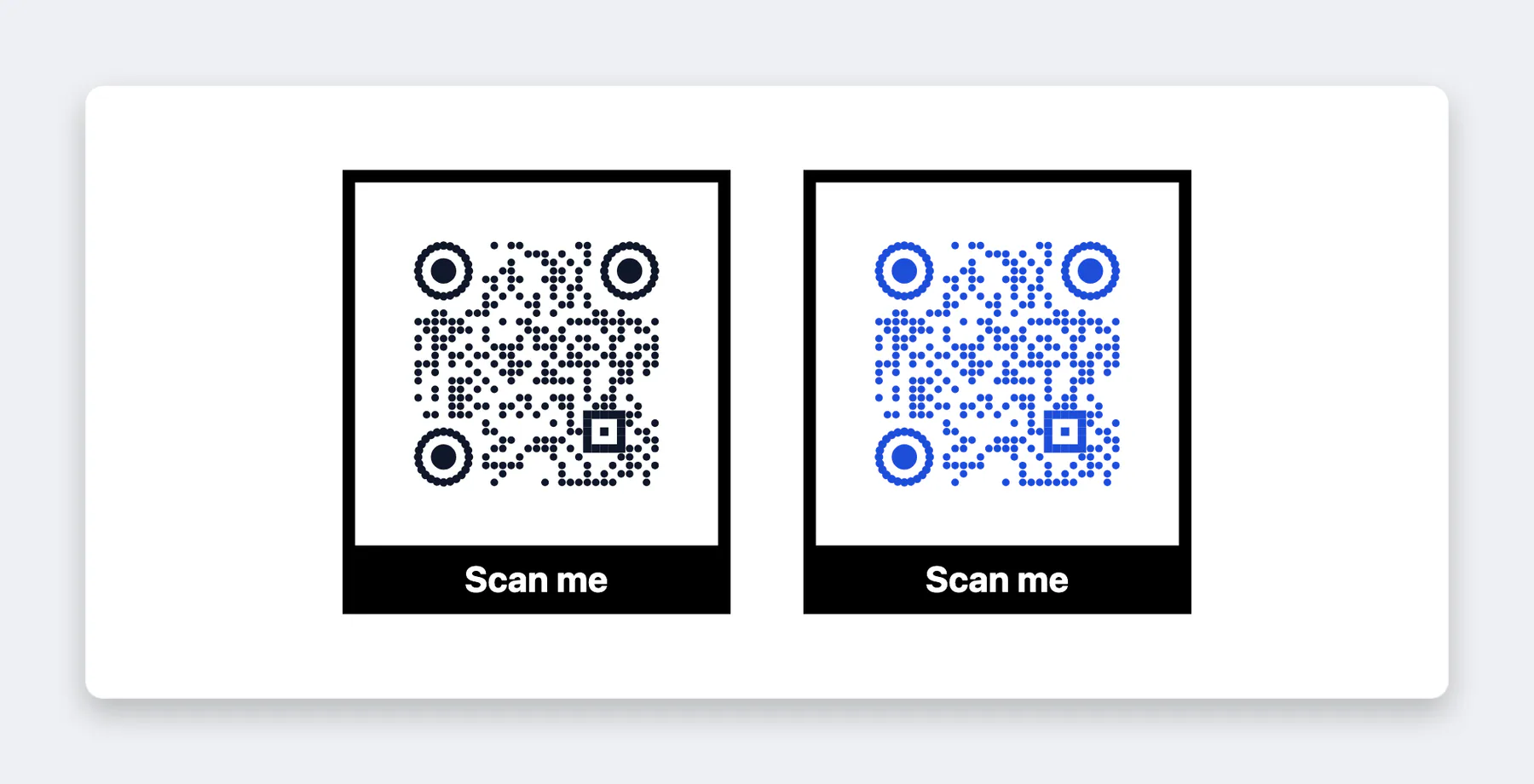
The options are every option the React QRCodeSVG takes: patterns, colors and gradients, logos (imageSettings), frames, shapes and art. Attributes such as class, style or aria-label go in the options too, and land on the <svg>, or on the frame's outer <svg> when there is a frame. Event handlers in the options are not put on the <svg>, so put them on the element.
When the options change, Svelte calls the action's update, which redraws the code. New options that draw the same markup leave the page alone. When the element is removed, the code goes with it.
For the React QRCode's logo shortcut (logo, logoOptions, hideLogo and scale), turn its props into options with resolveQRCodeProps:
<script lang="ts">
  import { qrcode, resolveQRCodeProps } from "qrdx/svelte";

  const options = resolveQRCodeProps({
    value: "https://example.com",
    size: 256,
    logo: "/logo.png",
    level: "H",
  });
</script>

<div use:qrcode={options}></div>
Render it on the server
Actions only run in the browser, so on its own the action leaves the element empty in the server's HTML. To have the code in the page before any JavaScript runs, write its markup inside the element with toSVGString:
<script lang="ts">
  import { untrack } from "svelte";
  import { qrcode, toSVGString, type QRSVGOptions } from "qrdx/svelte";

  let color = $state("#0f172a");

  const options = $derived<QRSVGOptions>({
    value: "https://example.com/menu",
    size: 256,
    margin: 4,
    fgColor: color,
  });
</script>

<div use:qrcode={options}>{@html untrack(() => toSVGString(options))}</div>
<button type="button" onclick={() => (color = "#1d4ed8")}>Blue</button>
The server writes the code into the page. When the page hydrates, the action finds that <svg> in the element, sees that it is the code it would draw, and keeps it: the code is not drawn a second time and the page does not change. From there the action redraws it when the options change. If the element holds an <svg> drawn with other options, the action replaces it.
untrack tells Svelte to write the markup once. Without it the code still works, since Svelte rewrites the markup before the action's update runs and the action keeps that <svg>, but the SVG is parsed again as HTML on every change.
toSVGString escapes text and attribute values and leaves event handlers out, as React's server renderer does, so a value or a frame's text from a user can't add markup to the page. The markup has no random ids, so the server and the browser always agree.
In Svelte 4, write the first markup from the same inputs as the options. $: statements run after the rest of the script, so options isn't set yet where initial is:
<script lang="ts">
  import { qrcode, toSVGString, type QRSVGOptions } from "qrdx/svelte";

  export let url: string;

  const optionsFor = (value: string): QRSVGOptions => ({ value, size: 256, margin: 4 });

  $: options = optionsFor(url);
  const initial = toSVGString(optionsFor(url));
</script>

<div use:qrcode={options}>{@html initial}</div>
Save it as a file
The action only draws the code. Downloads, the scan score and the other functions come from qrdx/core, which qrdx/svelte re-exports, so they are in the same import.
<script lang="ts">
  import { downloadQRCode, qrcode } from "qrdx/svelte";

  const options = { value: "https://example.com", size: 256, margin: 4 };
</script>

<div use:qrcode={options}></div>
<button
  type="button"
  onclick={() =>
    downloadQRCode(options, {
      format: "png",
      size: { width: 1024, height: 1024 },
      filename: "qr-code.png",
    })}
>
  Download PNG
</button>
Clicking the button saves qr-code.png at 1024 px. Vanilla JavaScript covers qrdx/core in full.
How it draws
- The action builds the code with
qrdx/coreand puts the<svg>in the element withcreateElementNS. No HTML is parsed, so it works under a Trusted Types policy. - If the element already holds an
<svg>, the action takes that one over: it keeps it when it is the same code and replaces it otherwise. Anything else in the element stays, and the code goes after it. - When the markup changes, the whole
<svg>is replaced. When it doesn't, nothing on the page changes.
If something goes wrong
Failed to resolve import "react". You imported fromqrdxinstead ofqrdx/svelte. The main entry has the React components; change the import.- The code is missing from the server's HTML. The action doesn't run on the server. Write the markup inside the element with
{@html toSVGString(options)}(step 3). PDF export needs the optional "jspdf" package. Runnpm install jspdfin the app.
Related
Was this page helpful?
Last updated on
SolidJS
Styled Solid QR code components with qrdx/solid. Reactive props, no JSX for the package to compile, renderToString on the server, hydration that keeps the SVG.
Angular
Styled QR codes in Angular with qrdx/angular's standalone QRCode component, with signal inputs, server rendering, hydration and SVG, PNG and PDF downloads.