QR codes on posters
Posters are seen from a distance and scanned by people who stop. The code has to be big enough for the distance people actually stand from it, and placed where they can stand still: at a bus stop, in a queue, on a noticeboard, not on a wall people walk past at speed.
Because posters go up in many places at once, they are ideal for per-site tracking. Give each location its own dynamic code and the scan counts tell you which sites earned their cost.
What to link from QR codes on posters
Events and tickets
Gig, theatre and festival posters that open ticket sales and the line-up.
Campaigns with a single action
Sign a petition, download an app, enter a competition: one action per poster, behind one code.
Recruitment
Job posters in shops and offices that open the application page.
Public information
Health campaigns and notices with the details, translations and contact options behind the code.
Which QR code to use
Static codes are free and need no account, but can't be changed after printing. Dynamic codes and hosted pages can be edited at any time, count every scan, and keep working on every plan, even if you cancel.
Dynamic code per poster site
Measure each site separately and repoint codes when the campaign moves on, so old posters still lead somewhere useful.
Create a dynamic codeEvent page
Date, time, venue, organiser and add-to-calendar links, plus an .ics file for any calendar app.
Event posters that open the time, venue map and calendar buttons, plus your ticket link.
Build it in the dashboardApp download page
Shows the App Store button on iPhones and the Google Play button on Android.
App campaigns: one code that opens the App Store on iPhone and Google Play on Android.
Build it in the dashboardHow big to print it
| Where people scan | Distance | Minimum code width |
|---|---|---|
| A4 poster on a noticeboard | 1 m (3 ft) | 11.6 cm (4.6 in) |
| A2 poster in a corridor | 2 m (7 ft) | 23.2 cm (9.1 in) |
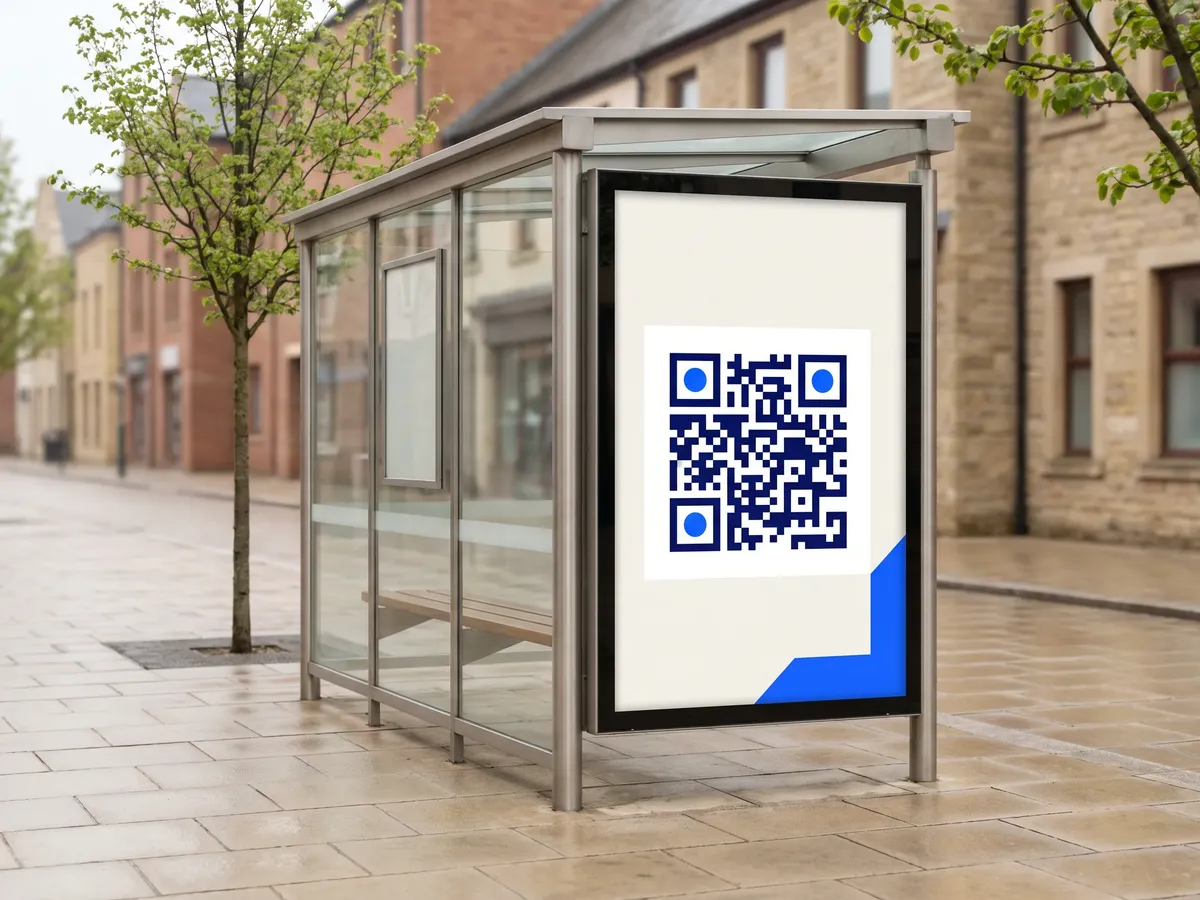
| A0 poster at a bus shelter | 3 m (10 ft) | 34.8 cm (13.7 in) |
For a dynamic short link such as https://qrdx.dev/q/aB3dE5f at error correction Q, without the blank margin. Static Wi-Fi, vCard or long URL codes hold more data and need to be larger. Check yours with the print size calculator and the scan checker.
Placement tips
- Size the code for the distance people stand from the poster, not for the poster's size. From 2 m, about 23 cm; from 3 m, about 35 cm.
- Place the code between waist and head height, around 1.2 to 1.5 m off the ground.
- Behind glass (bus shelters, frames), reflections are the main problem. Test at the site, at different times of day.
- Give the code a reason: a short line like 'Scan for tickets' beats a bare code.
Call-to-action copy
A code with a reason to scan beside it gets more scans than a bare code. Lines to print next to yours:
- Scan for tickets
- Scan to apply in 2 minutes
- Get the app
- Scan to sign the petition
QR codes on posters: FAQ
How big should a QR code be on a poster?
Divide the scanning distance by about 10, then add a little for a short link: from 2 m, about 23 cm; from 3 m, about 35 cm. Longer content needs bigger codes; the print size calculator works it out for your exact link.
Where on the poster should the QR code go?
Low enough to reach, high enough to see: roughly at chest height on the final mounted poster, with a short call to action next to it.
Can I track which poster locations work?
Yes. Print each location with its own dynamic code. Scans are counted per code with time and city, so you can compare sites.