QR codes for events and conferences
Event schedules change up to the last minute: a speaker's flight is late, a room floods, the keynote overruns. Codes on signs, badges and printed programmes need to point at an agenda you can edit on the day, which rules out static links to a PDF.
Events also have the clearest measure of success of any QR use: how many attendees scanned for the agenda, how many left session feedback, how many visited the sponsor's offer. Separate dynamic codes give organisers and sponsors those numbers.
QR code ideas for events and conferences
A live agenda
One code on every sign and lanyard opens the current schedule with room changes, so you never reprint the programme.
Badges that share contacts
Print each attendee's vCard Plus code on their badge so others save their details in one scan.
Session feedback
A code on the last slide of every talk opens a two-question form while the audience is still seated.
Sponsor offers
Each sponsor gets its own code and coupon, so you can show them scans when the renewal conversation comes.
Which QR code to use
Static codes are free and need no account, but can't be changed after printing. Dynamic codes and hosted pages can be edited at any time, count every scan, and keep working on every plan, even if you cancel.
Event page
Date, time, venue, organiser and add-to-calendar links, plus an .ics file for any calendar app.
Date, time, venue map and add-to-calendar buttons for invitations and save-the-date mailings.
Build it in the dashboardvCard Plus page
A digital business card with photo, contact buttons and a Save contact button.
A contact page per attendee or speaker with a Save contact button, linked from the badge.
Build it in the dashboardFeedback and forms page
Star ratings, NPS and questions, with responses collected in your dashboard.
Star ratings and comments per session, with responses in the dashboard and CSV export.
Build it in the dashboardAttendance QR code
Check people in with a Google Form, free and without building a registration system.
Open the Attendance generatorHow big to print it
| Where people scan | Distance | Minimum code width |
|---|---|---|
| Name badge, face to face | 70 cm (28 in) | 8.1 cm (3.2 in) |
| Session room door sign | 1.5 m (5 ft) | 17.4 cm (6.9 in) |
| Slide on the stage screen | 10 m (33 ft) | 1.16 m (3.8 ft) |
For a dynamic short link such as https://qrdx.dev/q/aB3dE5f at error correction Q, without the blank margin. Static Wi-Fi, vCard or long URL codes hold more data and need to be larger. Check yours with the print size calculator and the scan checker.
Placement tips
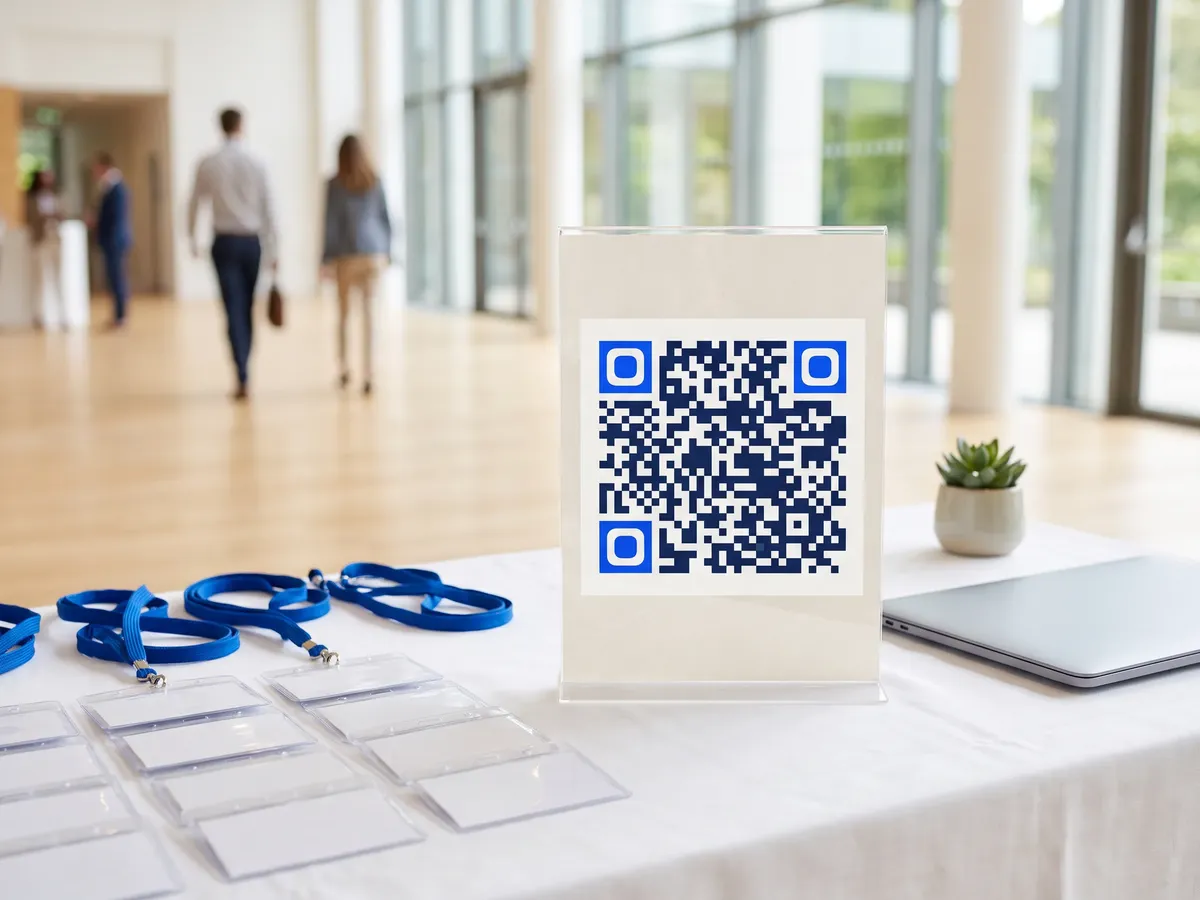
- Badges flip around on lanyards. Print the code on both sides or use a double clip so it faces out.
- On stage screens, leave the code on the slide for at least 30 seconds and make it fill a large part of the slide; the back row is often 15 m or more away.
- Wi-Fi at venues is overloaded. Keep linked pages small and avoid autoplaying video.
- Use expiry dates or a fallback URL on Pro so post-event scans of the agenda open a recap page instead of a stale schedule.
Call-to-action copy
A code with a reason to scan beside it gets more scans than a bare code. Lines to print next to yours:
- Scan for the live agenda and room changes
- Scan my badge to save my contact
- Rate this session in 20 seconds
- Exclusive offer for attendees
QR codes for events and conferences: FAQ
How big should a QR code on a conference slide be?
Bigger than most people make it. From 10 m a short-link code needs to be over a metre wide on screen; the table above uses QRdx's print size formula. If your screen is smaller, keep the code up longer and repeat it at the end.
Can I change the agenda link after printing badges?
Yes, if the badges use a dynamic code. Edit the destination or the hosted event page and every printed badge, sign and programme follows.
What happens to event codes after the event?
On Pro you can set an expiry date with a fallback URL, such as the recordings page. Codes never end up on a QRdx advert; expired codes go to your fallback or a neutral 'this campaign has ended' page.