Free Instagram QR Code Generator
An Instagram QR code opens your Instagram profile so people can follow you in one tap. Enter just your username and QRdx builds the profile link for you.
Use it on product packaging, shop counters, event stands and flyers. Instagram also has its own QR code inside the app; a QRdx code is a regular QR code with your own colors, logo and patterns, exportable as SVG for print, and it works with any camera.
How to create a Instagram QR code
- 1Type your username, with or without the @.
- 2Check that the encoded link matches instagram.com/yourname.
- 3Scan the preview to make sure your profile opens.
- 4Download a PNG or SVG, or style the code in the full editor.
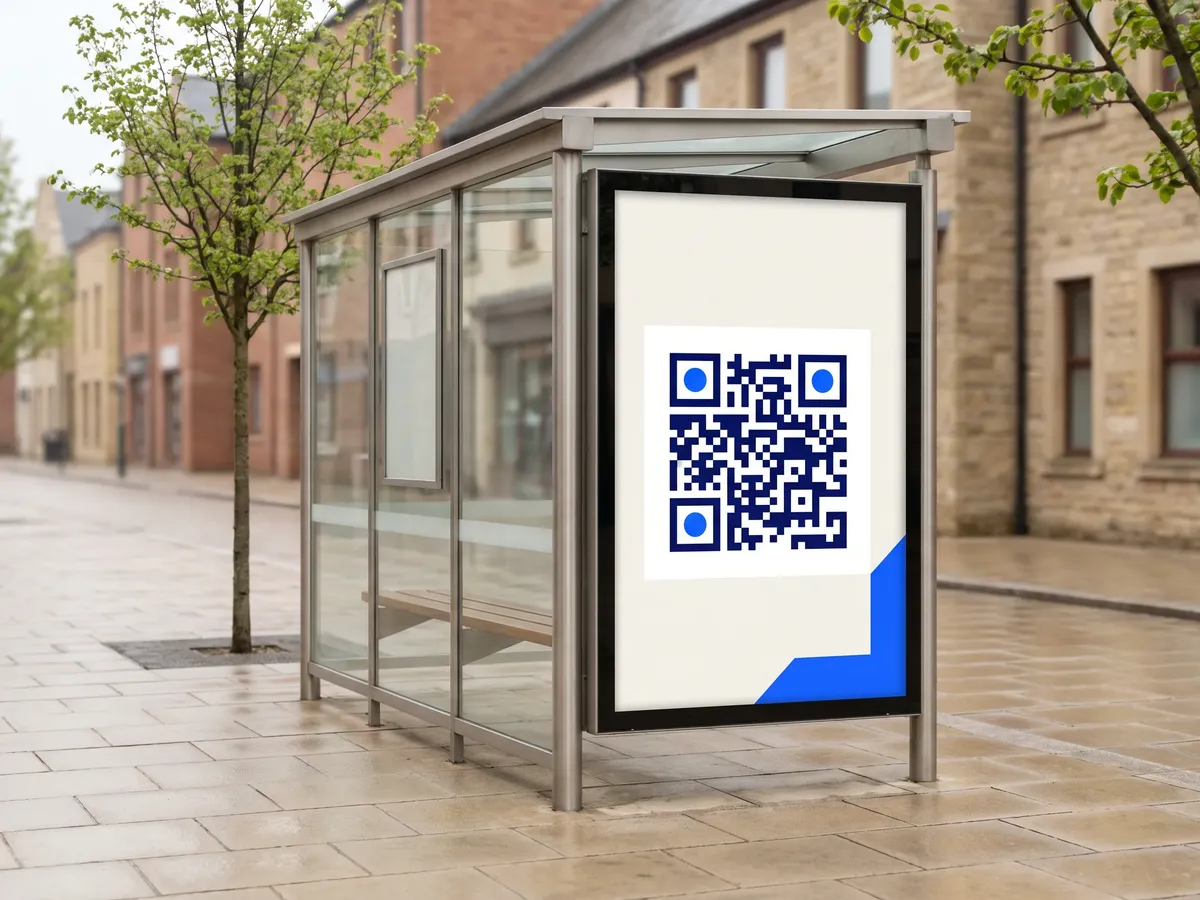
Instagram QR code format
Format
https://www.instagram.com/<username>Example
https://www.instagram.com/natgeo- QRdx removes a leading @ and adds the username to Instagram's profile URL.
- Usernames can contain letters, numbers, periods and underscores.
- To link a specific post or reel, copy its link and use the URL generator.
Instagram QR code FAQ
Will it open the Instagram app?
On phones with Instagram installed, profile links usually open in the app; otherwise they open in the browser.
What if I change my username?
The old username is part of the link, so the code stops pointing to you. Generate a new code after renaming.
How is this different from Instagram's own QR code?
Both open your profile. With QRdx you choose the colors, logo and dot patterns and can download a vector SVG for print.
Does it work for business and creator accounts?
Yes. Personal, business and creator accounts all use the same instagram.com/username profile URL. Private accounts show the profile header, but people must request to follow before they see posts.