Free Facebook QR Code Generator
A Facebook QR code takes people straight to your Facebook page, profile, group or event, where they can follow, message you or check in. It's a quick bridge from a printed menu, shop window or event poster to your community on Facebook.
Paste the full facebook.com address of the page you want. On phones with Facebook installed the link usually opens in the app; otherwise it opens in the browser.
How to create a Facebook QR code
- 1Open your page, group or event on Facebook and copy its address, or use Share and then Copy link.
- 2Paste the full URL, starting with https://, into the field.
- 3Scan the preview to check that it opens the right page.
- 4Download the code as PNG or SVG.
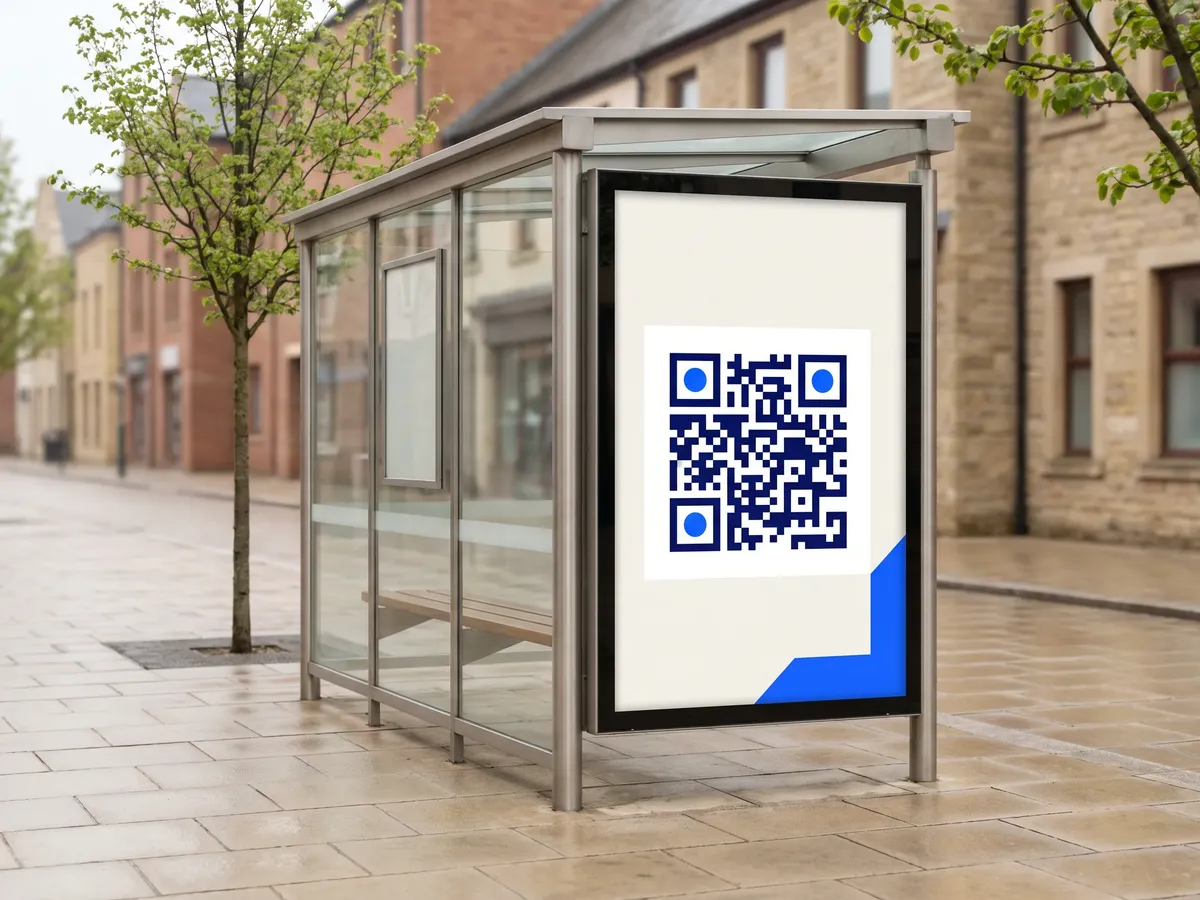
Facebook QR code format
Format
https://www.facebook.com/<page-or-profile>Example
https://www.facebook.com/YourBakery- The code holds the link exactly as you paste it.
- Prefer your page's username URL (facebook.com/yourname) over long links with ID numbers or tracking parameters, which make the code denser.
- Make sure the page is public; people can't see private profiles or groups after scanning unless they have access.
Facebook QR code FAQ
Can I link to a Facebook event or group?
Yes. Any facebook.com URL works, including pages, profiles, groups, events and posts.
Do people need the Facebook app?
No. Without the app the link opens in the browser, though Facebook may ask some visitors to log in.
Can I see how many people scanned it?
Not with a static code. Use a dynamic code from the QRdx dashboard if you want scan counts.
Can I link to a Messenger chat?
Yes. A Messenger link (m.me/yourpage) opens a chat with your page. Put it in the URL generator, since this form is meant for facebook.com addresses.