Free Threads QR Code Generator
A Threads QR code opens your Threads profile so people can follow you after seeing a talk, a poster or your packaging. Threads uses the same username as your Instagram account, so a Threads code pairs naturally with an Instagram code on the same flyer or badge.
Enter your username and QRdx builds the profile link. It opens in the Threads app when installed, or on the Threads website otherwise. Profile links are short, so the code prints well even on stickers and name badges.
How to create a Threads QR code
- 1Type your Threads username, with or without the @. It is the same as your Instagram username.
- 2Check that the encoded link ends in /@yourname.
- 3Scan the preview to make sure your profile opens.
- 4Download the code as PNG or SVG.
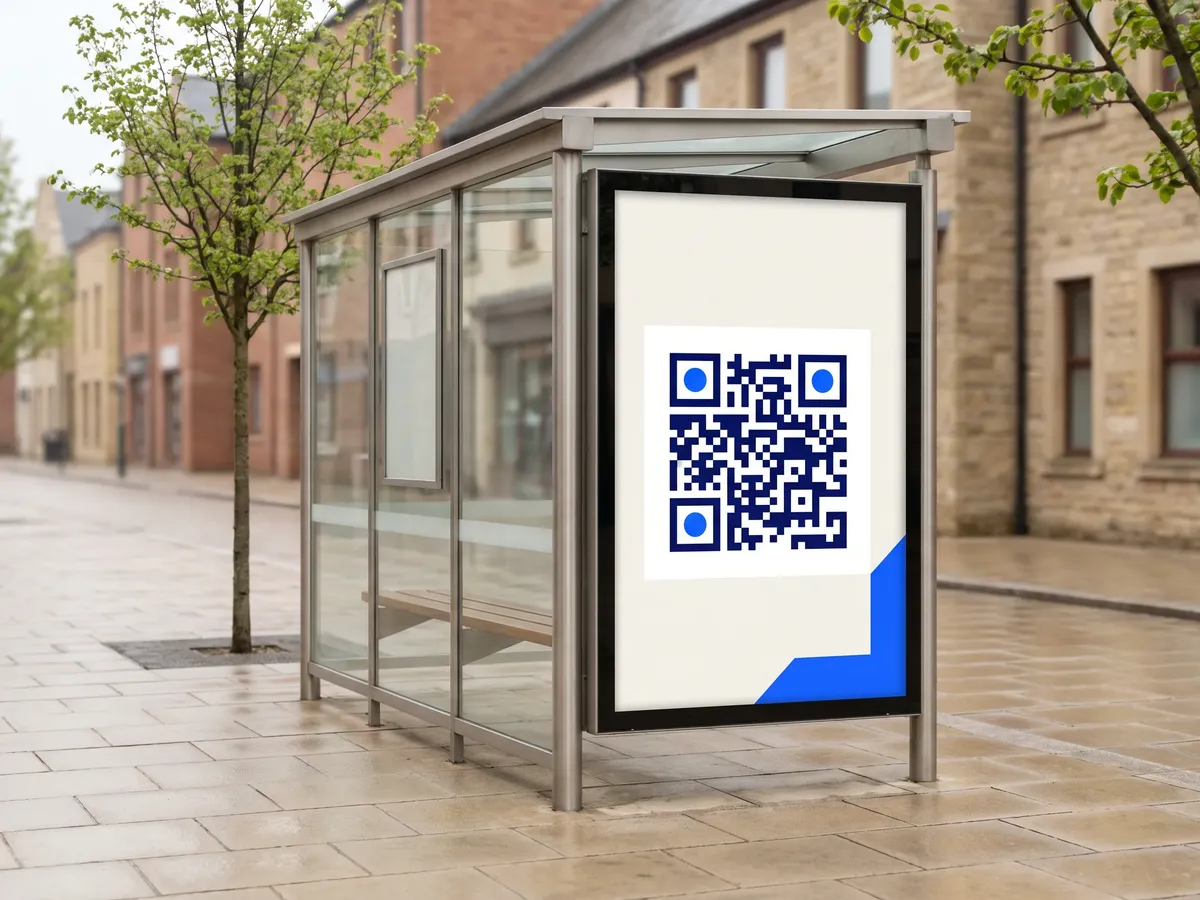
Threads QR code format
Format
https://www.threads.net/@<username>Example
https://www.threads.net/@zuck- Threads moved its website to threads.com in April 2025 and redirects threads.net links, so codes using either domain open your profile, in the app or the browser.
- QRdx removes any @ you type and adds it back in the profile path.
- Usernames follow Instagram's rules: letters, numbers, periods and underscores.
Threads QR code FAQ
Is my Threads username the same as my Instagram one?
Yes. Threads profiles use your Instagram username.
Why does the link use threads.net?
That was the original Threads domain. It redirects to threads.com, so the code keeps working.
Can I link to one post?
Yes. Copy the post's link and use the URL generator instead.
Do people need the Threads app?
No. Public profiles can be viewed in the browser. Following and replying require logging in to Threads.