QR codes for manufacturing and product packaging
Manufacturers print a code once and ship it on thousands of units that stay in service for years. That code has to survive a website redesign, a change of support platform and a product revision, which is exactly what a dynamic code is for.
The codes that pay for themselves are the ones that cut support calls: the manual and spare-parts list on the product's rating plate, the setup video on the box, and warranty registration on the packaging insert.
QR code ideas for manufacturing
Manual on the machine
A code on the rating plate or housing that opens the manual for that model, in the reader's language, for the life of the product.
Setup video on the box
A short assembly or setup video reduces returns from customers who gave up on the paper instructions.
Warranty registration
A code on the insert that opens the registration form, so you get the customer's details on day one.
Maintenance on the factory floor
Codes on your own equipment that open the maintenance procedure and the fault-report form for that machine.
Which QR code to use
Static codes are free and need no account, but can't be changed after printing. Dynamic codes and hosted pages can be edited at any time, count every scan, and keep working on every plan, even if you cancel.
PDF page
An uploaded PDF people can read in the browser or download.
Manuals and spec sheets you can replace with each revision, while units in the field keep the same code.
Build it in the dashboardVideo page
A YouTube or Vimeo embed, or an uploaded MP4.
Setup and maintenance videos from YouTube or Vimeo, or uploaded MP4s.
Build it in the dashboardDynamic link per model
One code per model or revision. Bulk-create them through the REST API from your product database.
Create a dynamic codeFeedback and forms page
Star ratings, NPS and questions, with responses collected in your dashboard.
Warranty registration or fault reports with text, email and choice fields, exportable as CSV.
Build it in the dashboardHow big to print it
| Where people scan | Distance | Minimum code width |
|---|---|---|
| Rating plate or label | 30 cm (12 in) | 3.5 cm (1.4 in) |
| Box on a shelf | 80 cm (31 in) | 9.3 cm (3.7 in) |
| Machine on the factory floor | 1.5 m (5 ft) | 17.4 cm (6.9 in) |
For a dynamic short link such as https://qrdx.dev/q/aB3dE5f at error correction Q, without the blank margin. Static Wi-Fi, vCard or long URL codes hold more data and need to be larger. Check yours with the print size calculator and the scan checker.
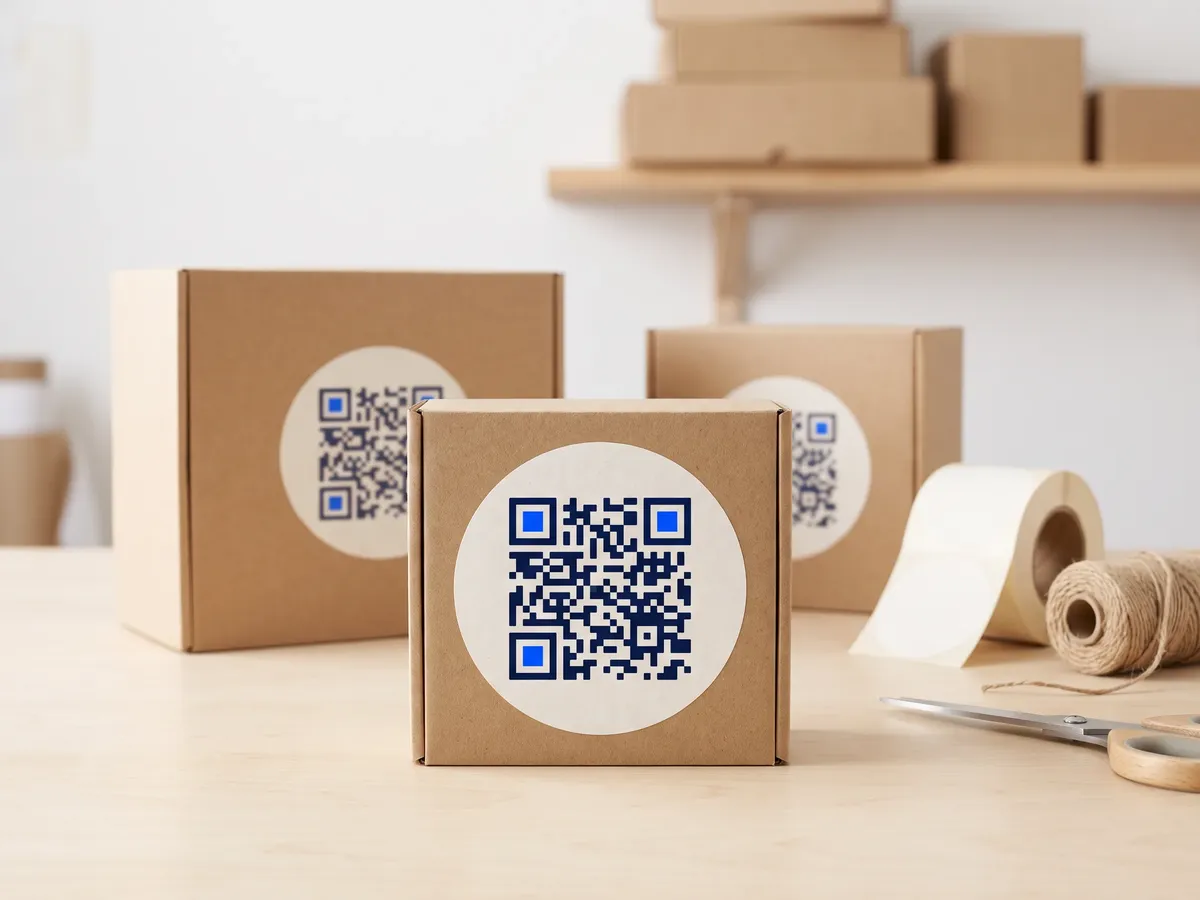
Placement tips
- Labels on machines get oily and scratched. Use durable polyester or metal labels, and choose error correction H if the label will be partly covered.
- Laser-etched codes on metal need high contrast; test etched samples under the factory's lighting before committing.
- Keep a blank quiet zone around the code even on crowded rating plates.
- Print the model number as text beside the code so support staff can identify it from a photo.
Call-to-action copy
A code with a reason to scan beside it gets more scans than a bare code. Lines to print next to yours:
- Scan for the manual and spare parts
- Watch the 2-minute setup video
- Register your warranty
- Maintenance procedure for this machine
QR codes for manufacturing: FAQ
Why use a dynamic QR code on a manufactured product?
Products outlive websites. A dynamic code lets you change where it points when your support site moves, so units sold years ago still open the right manual.
Can I generate QR codes for thousands of products?
Yes. The bulk generator turns a CSV into static codes in your browser, and the REST API creates dynamic codes in bulk on paid plans, so each product line gets its own trackable link.
What file format should I give the packaging printer?
Vector: SVG or a print-ready CMYK PDF, both exported free from QRdx. Vector codes stay sharp at any size and avoid the blurry edges of a scaled PNG.