QR codes on product packaging
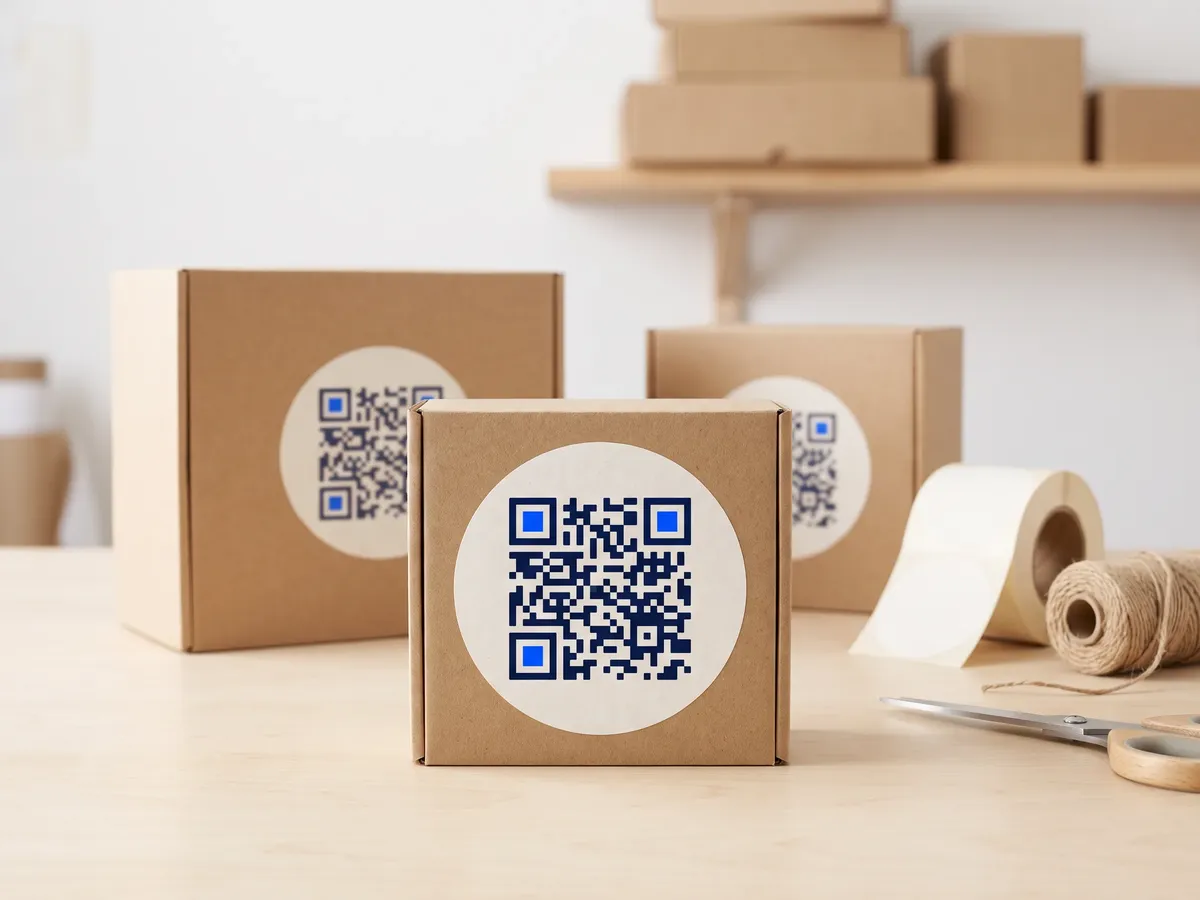
Packaging is the one piece of marketing every customer is guaranteed to hold. A QR code on the box can do work the box can't: show a setup video, list full ingredients, register a warranty or reorder the product when it runs out.
Packaging is also printed months ahead and in large runs. Use dynamic codes so a website change, a recipe change or a new campaign doesn't strand thousands of boxes with a dead link.
What to link from QR codes on packaging
Unboxing and setup
A code on the inside flap that opens a setup or assembly video when the customer needs it.
Product details
Ingredients, sourcing, certifications and care instructions that don't fit on the pack.
Reorder and subscribe
Consumables like coffee, pet food or filters can link to the reorder page.
Recycling instructions
How to dispose of each part of the packaging in the customer's area.
Which QR code to use
Static codes are free and need no account, but can't be changed after printing. Dynamic codes and hosted pages can be edited at any time, count every scan, and keep working on every plan, even if you cancel.
Dynamic code per product line
Survives website changes and lets you measure scans per SKU. Create codes in bulk from your product list via the API.
Create a dynamic codeVideo page
A YouTube or Vimeo embed, or an uploaded MP4.
Setup and how-to videos, embedded or uploaded, on a page that loads fast on mobile data.
Build it in the dashboardFeedback and forms page
Star ratings, NPS and questions, with responses collected in your dashboard.
Warranty registration or product feedback with your own fields.
Build it in the dashboardHow big to print it
| Where people scan | Distance | Minimum code width |
|---|---|---|
| Box in the hand | 30 cm (12 in) | 3.5 cm (1.4 in) |
| Box on a store shelf | 80 cm (31 in) | 9.3 cm (3.7 in) |
For a dynamic short link such as https://qrdx.dev/q/aB3dE5f at error correction Q, without the blank margin. Static Wi-Fi, vCard or long URL codes hold more data and need to be larger. Check yours with the print size calculator and the scan checker.
Placement tips
- Keep the QR code well away from the retail barcode (EAN/UPC) so checkout scanners and customers don't scan the wrong one.
- Avoid folds, seams and the curved edges of pouches; place the code on a flat panel.
- Packaging printers want vector artwork: export SVG or a CMYK PDF, both free in QRdx.
- If you print on kraft or coloured board, test contrast; brown board needs solid black modules.
Call-to-action copy
A code with a reason to scan beside it gets more scans than a bare code. Lines to print next to yours:
- Scan for the 2-minute setup video
- Where this comes from
- Running low? Reorder in one scan
- How to recycle this pack
QR codes on packaging: FAQ
How big should a QR code be on packaging?
For a box held in the hand, about 3.5 cm with a short link is comfortable. On shelf-facing panels read from further away, go larger. Always test on the printed proof.
Can I put a QR code next to the barcode?
Keep them apart and clearly different, so checkout scanners and customers each read the right one. Some retailers are moving to 2D codes at the till using GS1 standards; that is a separate code with its own rules.
What if my website changes after the packaging is printed?
With a dynamic code, change the destination in the dashboard and every box follows. A static code would keep pointing at the old address.