QR codes for restaurants
A restaurant QR code usually does one of three jobs: open the menu, join the Wi-Fi or ask for a review. Each needs a different kind of code. Menus change with the season and the supplier, so they belong behind a dynamic code you can edit. A Wi-Fi password rarely changes, so a free static code is enough.
Below: where restaurants put QR codes, which QRdx code type fits each job, how big to print them for a table or a front window, and short lines of copy that make guests scan.
QR code ideas for restaurants
A menu you can edit tonight
Put a hosted menu page behind every table code. Mark a dish sold out, change a price or add the weekend special from your phone, and the printed table tents stay exactly as they are.
Guest Wi-Fi without spelling the password
A static Wi-Fi code on the counter or the back of the menu joins the network in one scan, so staff stop reading the password out to every table.
Reviews while the meal is fresh
Print a Google review code on the bill folder or receipt. Ask every guest the same way; selectively asking happy guests breaks Google's review rules.
Ordering and paying at the table
Point table codes at your ordering or payment provider. If the provider needs a table number in the URL, make one dynamic code per table.
Which QR code to use
Static codes are free and need no account, but can't be changed after printing. Dynamic codes and hosted pages can be edited at any time, count every scan, and keep working on every plan, even if you cancel.
Menu page
Sections and items with prices, photos, allergen and diet tags, and sold-out flags.
Edit dishes, prices, allergen tags and sold-out items without reprinting. Use separate codes for the terrace, the bar and takeaway bags to see in analytics where guests scan.
Build it in the dashboardWi-Fi QR code
The network name and password live in the code itself, so it needs no account and never expires. Reprint only when you change the password.
Open the Wi-Fi generatorGoogle Review QR code
Opens the 'write a review' box for your Google Business Profile directly, one tap fewer than a link to your listing.
Open the Google Review generatorDynamic link to your ordering page
If you switch ordering or payment providers, change the destination and keep every printed table code.
Create a dynamic codeHow big to print it
| Where people scan | Distance | Minimum code width |
|---|---|---|
| Table tent, seated guest | 40 cm (16 in) | 4.6 cm (1.8 in) |
| Counter or menu board | 1.5 m (5 ft) | 17.4 cm (6.9 in) |
| Front window, from the pavement | 2 m (7 ft) | 23.2 cm (9.1 in) |
For a dynamic short link such as https://qrdx.dev/q/aB3dE5f at error correction Q, without the blank margin. Static Wi-Fi, vCard or long URL codes hold more data and need to be larger. Check yours with the print size calculator and the scan checker.
Placement tips
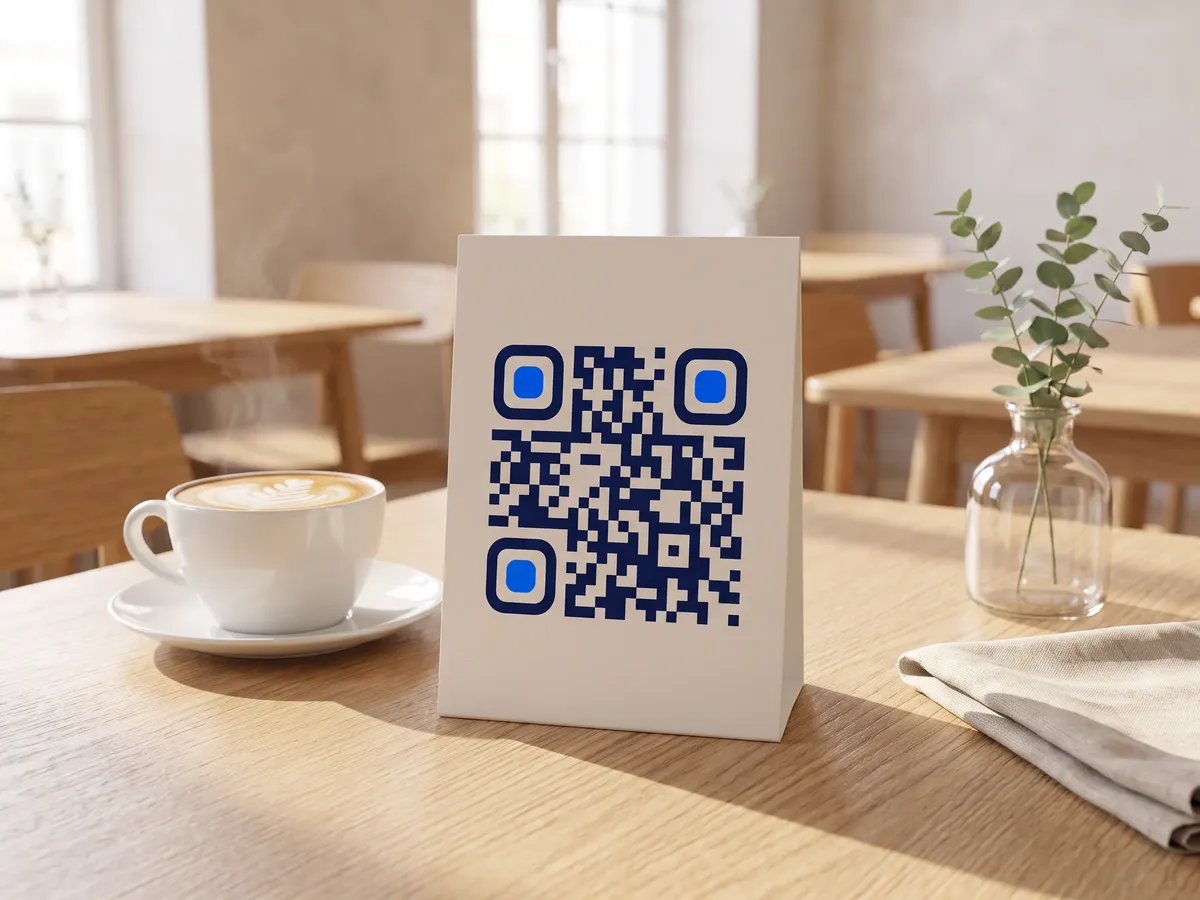
- Stand table codes up on a tent or holder at a seated guest's eye level. Codes lying flat get covered by plates and catch glare from pendant lights.
- Choose a matte finish for laminated menus and table tents; glossy lamination reflects overhead light straight into the camera.
- Evening lighting is where pale brand colours fail first. Keep the code dark on a light background and test it at your dimmest service.
- Keep a blank margin of four modules around the code, and don't let the table number or logo touch it.
Call-to-action copy
A code with a reason to scan beside it gets more scans than a bare code. Lines to print next to yours:
- Scan for today's menu and specials
- Join our Wi-Fi: scan, no password needed
- Enjoyed your meal? Scan to leave a review
- Scan to order and pay from your table
QR codes for restaurants: FAQ
Should a restaurant menu QR code be static or dynamic?
Dynamic. A static code that encodes a PDF link breaks as soon as the file moves, and every menu change means reprinting. A dynamic code opens a short link you can repoint, or a hosted menu page you edit directly, so the printed code outlives every menu revision.
Do I still need printed menus?
Keep some. Not every guest carries a charged phone or wants to use it at dinner, and some places expect an accessible alternative. Treat the QR menu as the faster option, not the only one.
Can I ask only happy guests for a Google review?
No. Google's policies prohibit selectively soliciting positive reviews (review gating). Show the review link to every guest. QRdx feedback forms show the Google review link to everyone, whatever rating they give.