QR codes on table tents
A table tent is the most scanned surface in hospitality because it sits at eye level for a seated guest with nothing else to do while waiting. It can carry the menu, Wi-Fi, ordering, a review request or tonight's event, and it is cheap to print in bulk.
Two-sided tents mean two codes with two jobs. Keep each side to one clear action, with a short line of copy above the code.
What to link from QR codes on table tents
Menu and ordering
The menu on one side, the order-and-pay link on the other.
Wi-Fi
A Wi-Fi code for cafés, hotels and co-working spaces.
Reviews and feedback
A review or feedback code for guests waiting for the bill.
Events and promotions
This week's event or happy-hour offer, changed weekly behind the same code.
Which QR code to use
Static codes are free and need no account, but can't be changed after printing. Dynamic codes and hosted pages can be edited at any time, count every scan, and keep working on every plan, even if you cancel.
Menu page
Sections and items with prices, photos, allergen and diet tags, and sold-out flags.
An editable menu so the tent never needs reprinting when the menu changes.
Build it in the dashboardWi-Fi QR code
Joins the network directly; free and never expires.
Open the Wi-Fi generatorGoogle Review QR code
Opens the review box. Show it to every guest, not just happy ones.
Open the Google Review generatorEvent page
Date, time, venue, organiser and add-to-calendar links, plus an .ics file for any calendar app.
Weekly events and offers you swap without new tents.
Build it in the dashboardHow big to print it
| Where people scan | Distance | Minimum code width |
|---|---|---|
| Seated guest | 50 cm (20 in) | 5.8 cm (2.3 in) |
| From the next table | 1 m (3 ft) | 11.6 cm (4.6 in) |
For a dynamic short link such as https://qrdx.dev/q/aB3dE5f at error correction Q, without the blank margin. Static Wi-Fi, vCard or long URL codes hold more data and need to be larger. Check yours with the print size calculator and the scan checker.
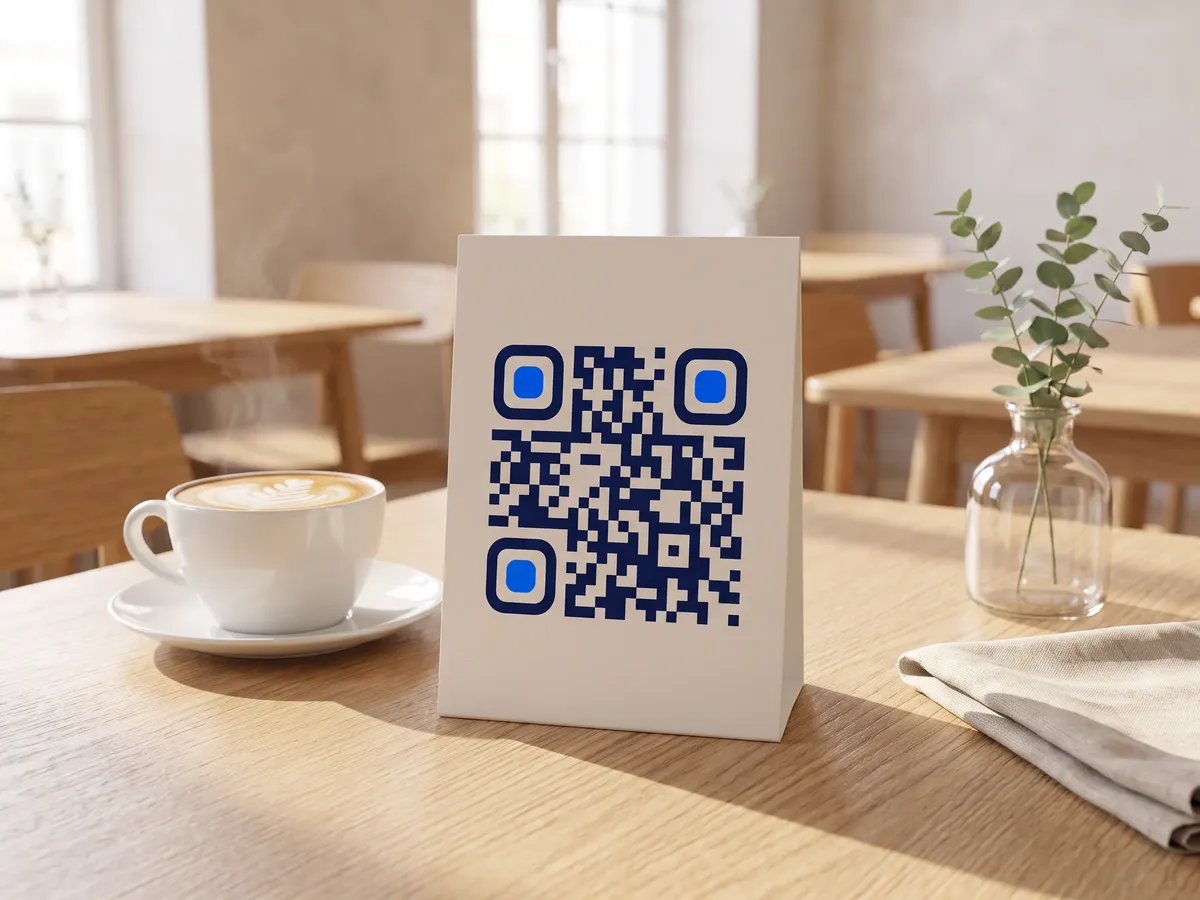
Placement tips
- For a seated guest about 50 cm away, a code around 6 cm wide is comfortable with a short link.
- A6 or DL tents leave room for a code and two lines of copy per side; don't crowd them with logos.
- Acrylic stands look smart but reflect; test under your lights, or print on matte card inserts.
- Number tents per table if you use per-table ordering links.
Call-to-action copy
A code with a reason to scan beside it gets more scans than a bare code. Lines to print next to yours:
- Menu and specials: scan here
- Free Wi-Fi: scan to connect
- Order and pay from your table
- This Friday: live music
QR codes on table tents: FAQ
What size QR code for a table tent?
About 5 to 6 cm wide for a seated guest with a short link. Larger if the tent is read from the next table or the code holds more data.
Should each table have its own QR code?
Only if the destination needs the table number, such as some ordering systems, or if you want to compare tables. Otherwise one code per area is enough.
What material is best for QR code table tents?
Matte coated card for short runs, or a matte acrylic holder with paper inserts you can swap. Both avoid glare and wipe clean.