Free Cal.com QR Code Generator
A Cal.com QR code opens your booking page so people can pick a time that suits you both, without back-and-forth emails. Consultants, coaches, recruiters and salespeople put it on business cards, conference slides and event booths.
Paste your Cal.com link: your profile (cal.com/yourname) to show all event types, or a specific event (cal.com/yourname/30min) to go straight to it. Cal.com handles time zones, availability and calendar invites, so the person scanning sees open slots in their own time zone.
How to create a Cal.com QR code
- 1Copy your profile or event link from Cal.com.
- 2Paste it into the field.
- 3Scan the preview to check that the booking page opens.
- 4Download the code as PNG or SVG.
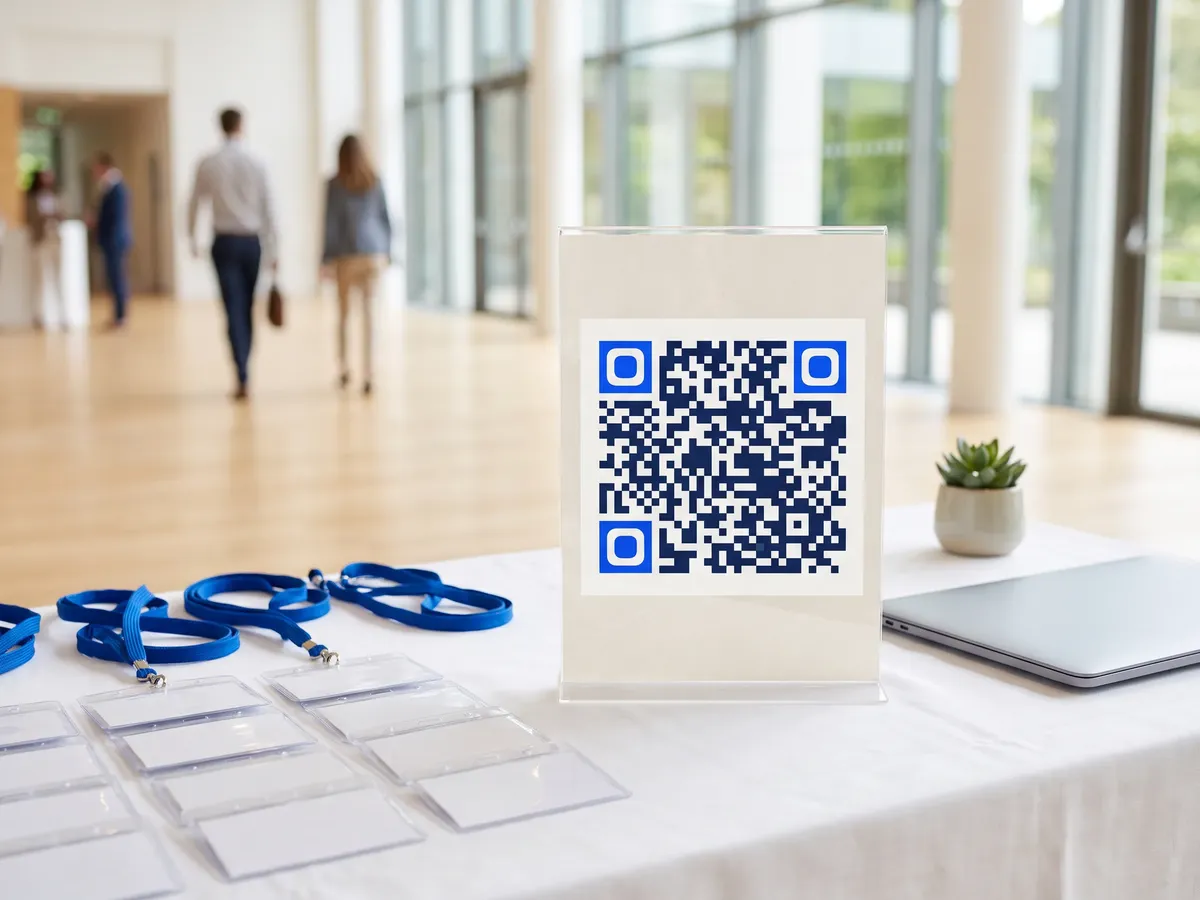
Cal.com QR code format
Format
https://cal.com/<username>/<event>Example
https://cal.com/yourname/30min- QRdx encodes the link as pasted. This form expects a link containing cal.com; for a self-hosted or custom domain, use the URL generator.
- An event link skips a step for the person scanning, so use it when you mainly offer one meeting type.
Cal.com QR code FAQ
Profile or event link?
Use the event link for a single meeting type, such as an intro call, and the profile link when people should choose between several.
Does the person scanning need a Cal.com account?
No. They pick a time and enter their name and email; Cal.com sends the invite.
Can I use Calendly or another scheduler?
Yes. Paste any booking link into the URL generator; this one is set up for Cal.com links.
Can I control when people can book?
Yes, in Cal.com. Each event type has its own duration, availability, buffer times and booking limits; the QR code just opens the page.