Free LinkedIn QR Code Generator
A LinkedIn QR code opens your LinkedIn profile or company page, so new contacts at a conference, interview or client meeting can connect without searching for your name and guessing which result is you.
Paste the full URL of a personal profile (linkedin.com/in/...) or a company page (linkedin.com/company/...). It fits naturally on business cards, résumés, name badges and the last slide of a talk, where people want to connect before they forget your name.
How to create a LinkedIn QR code
- 1Open your profile or company page on LinkedIn and copy the URL.
- 2Paste the full link, starting with https://, into the field.
- 3Scan the preview to make sure the right profile opens.
- 4Download an SVG for printing or a PNG for slides.
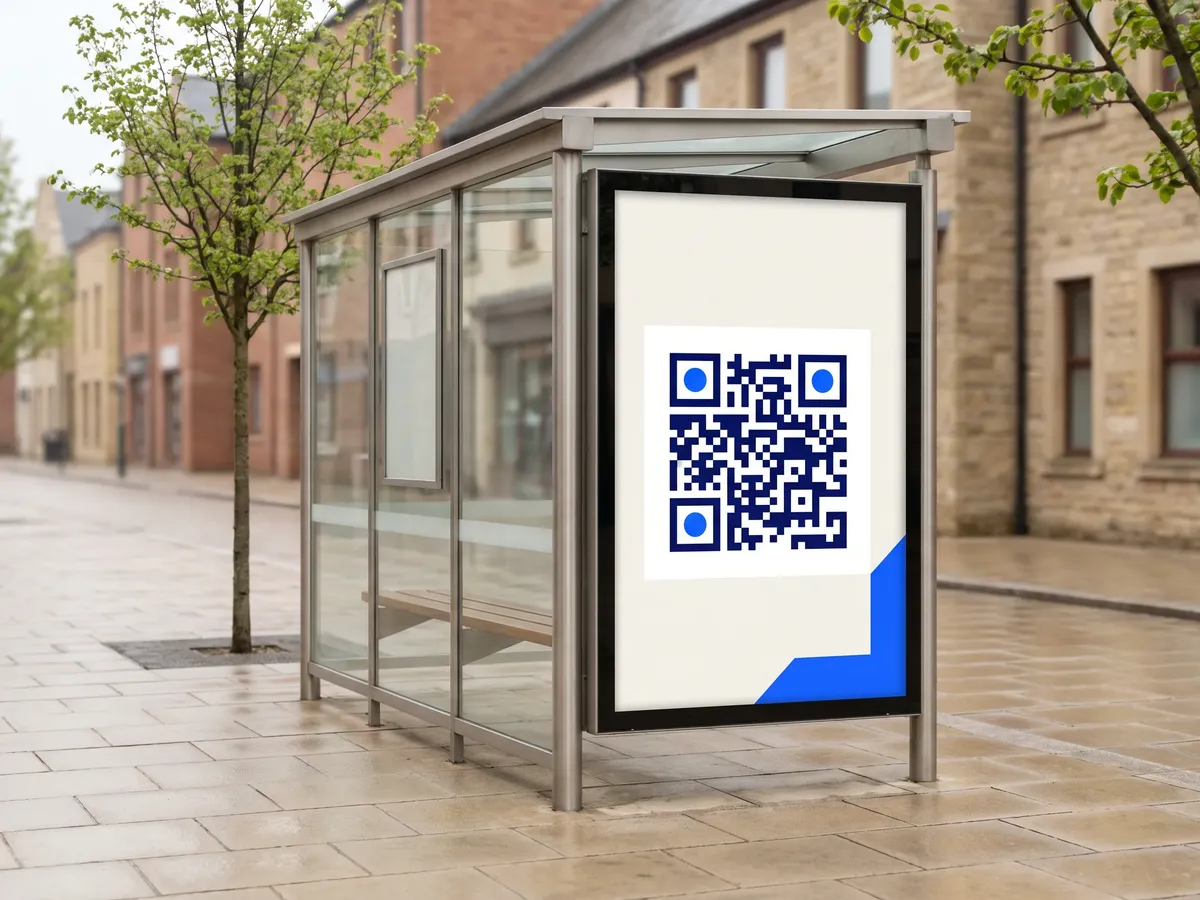
LinkedIn QR code format
Format
https://www.linkedin.com/in/<profile>Example
https://www.linkedin.com/in/your-name- QRdx encodes the link exactly as pasted.
- Set a custom public profile URL in LinkedIn for a shorter, cleaner link; shorter links make simpler codes.
- Remove tracking parameters (anything after ?) before generating.
LinkedIn QR code FAQ
Profile or company page: which should I use?
Use your personal profile on business cards and résumés, and the company page on packaging, stands and marketing material.
Do people need a LinkedIn account?
Logged-out visitors see a limited public profile. To connect or follow, they need to sign in.
LinkedIn has its own QR code. Why use this one?
Both open your profile. A QRdx code lets you match your brand colors, add a logo and export vector files for print.
Can I link a post, event or newsletter?
Yes. Copy the link of the post, event or newsletter and paste it here or into the URL generator; any linkedin.com URL works.