Free PayPal QR Code Generator
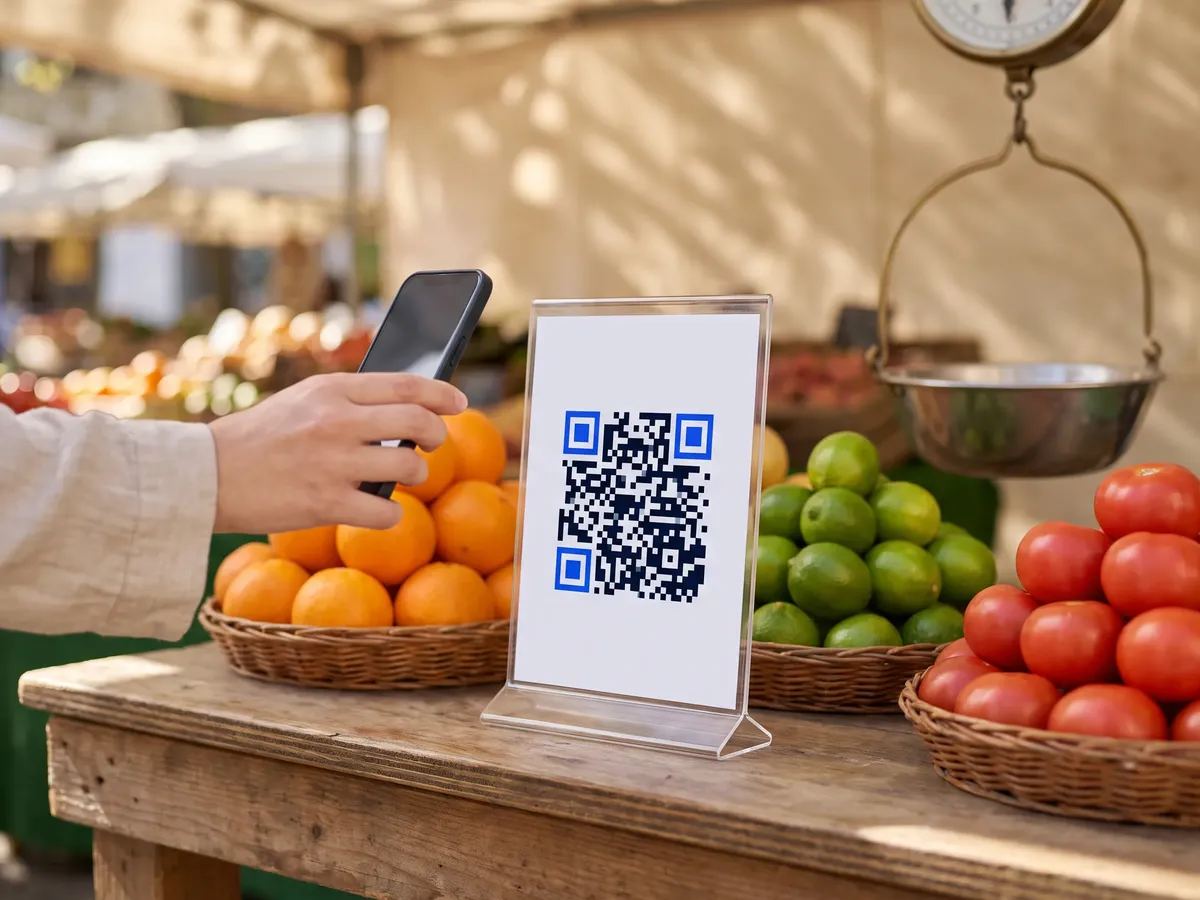
A PayPal QR code opens your PayPal.Me page or a PayPal payment link, so people can pay you from their phone. It's handy for market stalls, tip jars, freelance invoices, club fees and donations.
Paste your PayPal.Me link (paypal.me/yourname) or another PayPal payment link. You can set up a PayPal.Me link in your PayPal account if you don't have one yet. The payment itself happens on PayPal, so PayPal's usual options and fees apply. PayPal also shows a QR code in its app; a QRdx code is a regular QR code you can style and print at any size.
How to create a PayPal QR code
- 1Copy your PayPal.Me link from your PayPal account.
- 2To request a set amount, add it to the end of the link, for example paypal.me/yourname/25.
- 3Paste the link and scan the preview to check the payment page.
- 4Download the code as PNG or SVG.
PayPal QR code format
Format
https://paypal.me/<name>/<amount><currency code>Example
https://paypal.me/yourname/25- PayPal.Me links accept an optional amount after the name: paypal.me/yourname/25 asks for 25 in your default currency, and paypal.me/yourname/25EUR asks for euros.
- QRdx encodes the link as pasted, so add the amount to the link yourself.
- Other PayPal links, such as payment buttons or invoice links, work too.
PayPal QR code FAQ
Does QRdx charge anything?
No. The QR code is free; PayPal's own fees apply to payments as usual.
Can I change the amount later?
The amount is part of the link, so a new amount means a new code. Leave the amount out for a reusable code.
Do payers need the PayPal app?
No. PayPal.Me links also open in the browser, where payers log in to PayPal to complete the payment.