Free Venmo QR Code Generator
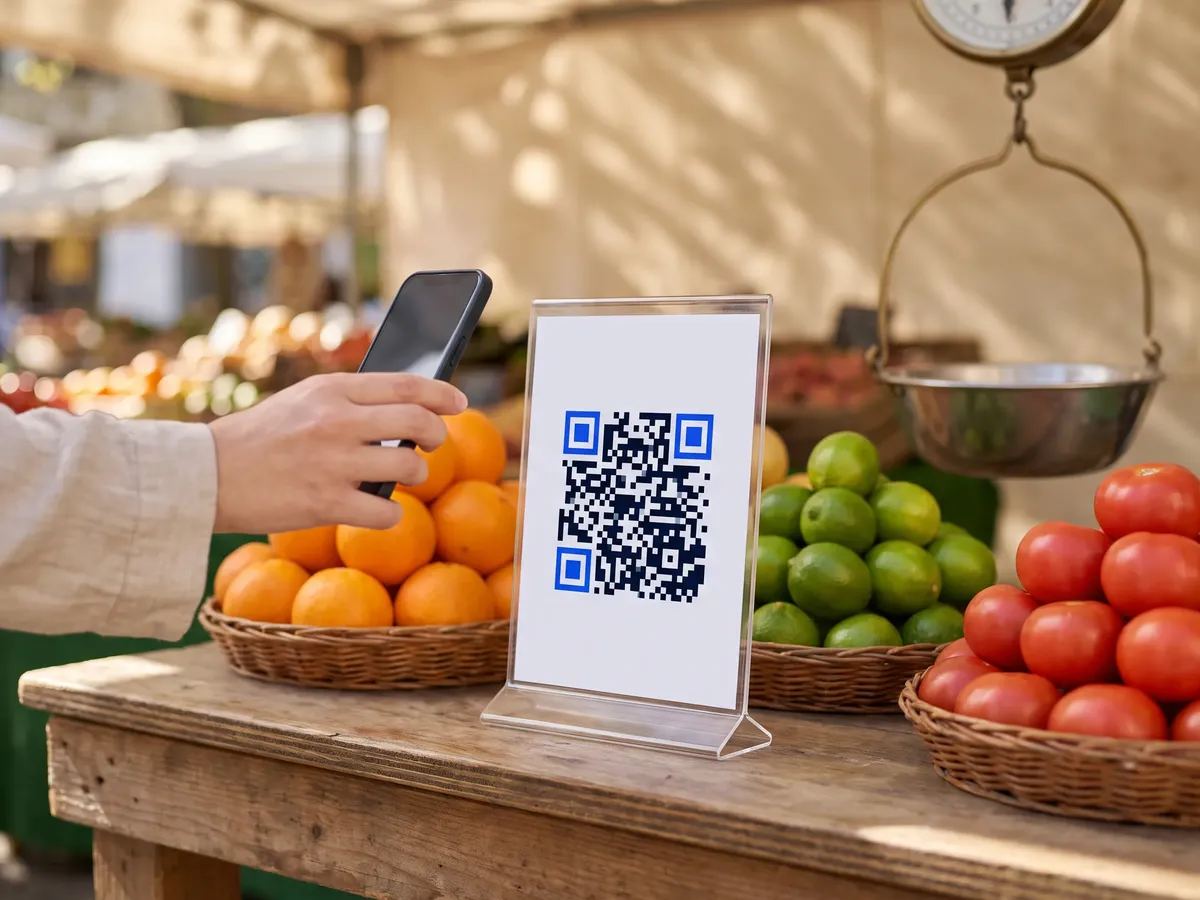
A Venmo QR code opens a Venmo payment to you, with an amount and note filled in if you add them. It suits bake sales, market stalls, tutors, shared bills and tip jars. Venmo is available only in the United States.
Venmo has a personal QR code in its app; a QRdx code points to your venmo.com profile link with payment parameters, so you can style it, print it at any size and scan it with the normal phone camera.
How to create a Venmo QR code
- 1Enter your Venmo username, with or without the @.
- 2Optionally add an amount in US dollars and a note, such as 'Lemonade'.
- 3Scan the preview with your phone to check what Venmo shows.
- 4Download the code as PNG or SVG.
Venmo QR code format
Format
https://venmo.com/<username>?txn=pay&amount=<amount>¬e=<note>Example
https://venmo.com/your-name?txn=pay&amount=12.50¬e=Lemonade- txn=pay asks the scanner to pay you; amount is in US dollars and the note is URL-encoded.
- Venmo doesn't publish a formal specification for these link parameters, so whether the amount and note are pre-filled can vary by app version. Always test-scan before printing.
- QRdx removes a leading @ from the username.
- If the amount isn't pre-filled on a payer's phone, they can still type it in before paying.
Venmo QR code FAQ
Does QRdx charge a fee?
No. The QR code is free; Venmo's own fees apply, for example on business profiles.
Does the payer need Venmo?
Yes. Paying through Venmo requires a Venmo account.
Can I reuse the code for different amounts?
Leave the amount empty and the payer types it in, so one code works for every payment.
Is it safe to share my Venmo QR code?
It contains only your username plus the optional amount and note, so it reveals no more than sharing your Venmo username. Payers should check your name and photo on the payment screen.