QR codes for hotels and guesthouses
The printed guest compendium in a hotel room goes out of date the week it is printed: the spa hours change, the restaurant gets a new menu, the shuttle schedule moves. A QR code on the desk card that opens a hosted guide lets housekeeping stop replacing binders and lets guests read it in their own time.
The other codes every hotel needs are simpler: Wi-Fi in every room and at reception, and a review request at checkout. Wi-Fi works as a free static code; reviews and the guide work better as dynamic codes you can measure.
QR code ideas for hotels
Wi-Fi in every room
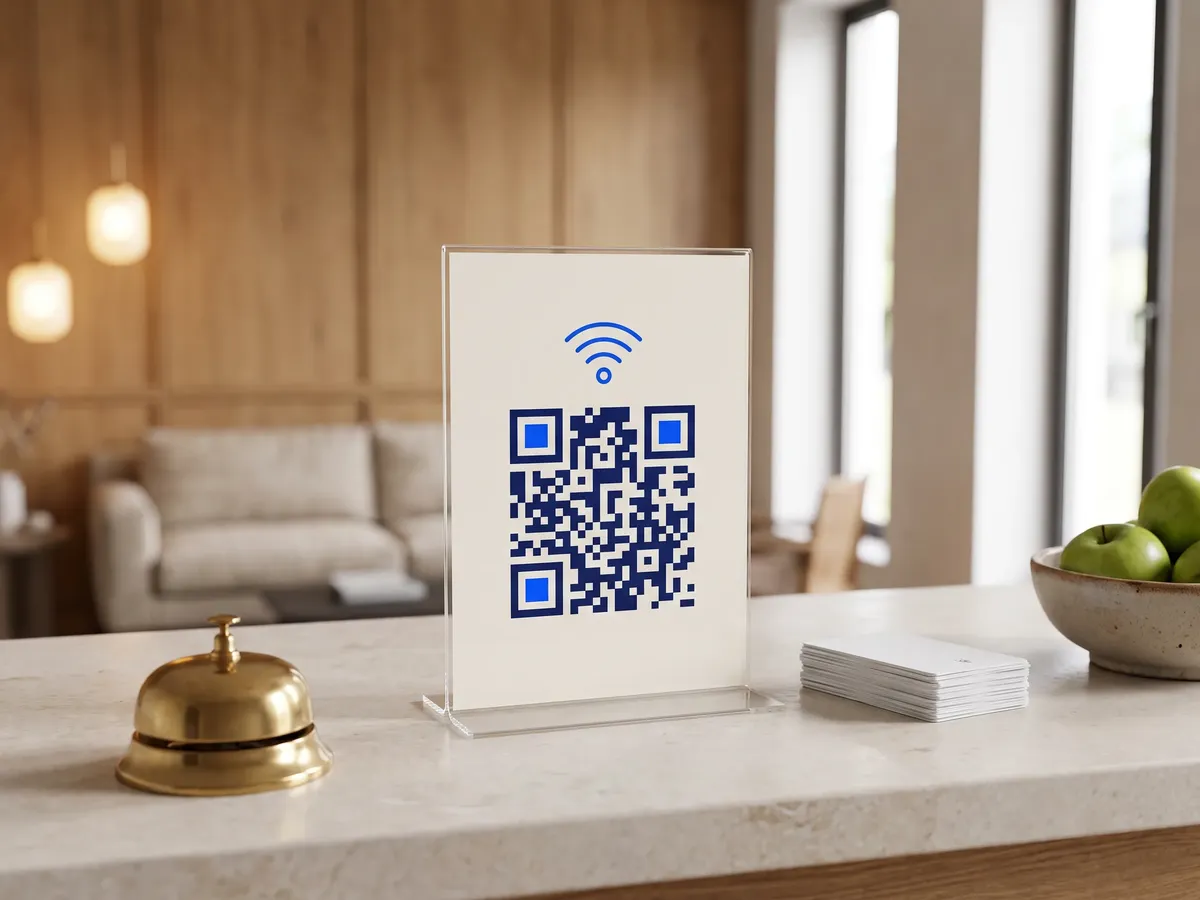
A static Wi-Fi code on the key-card holder or desk card connects a phone in one scan, without the guest typing a 16-character password.
A guest guide that stays current
Breakfast times, spa booking, gym hours, checkout time and taxi numbers on a page you edit from the front desk.
Room service and the restaurant
A menu page by the phone, with prices and dietary tags you can update without reprinting cards for every room.
Feedback before checkout
Ask for private feedback on the last night, so problems reach the manager while the guest is still there, and show the public review link to everyone.
Which QR code to use
Static codes are free and need no account, but can't be changed after printing. Dynamic codes and hosted pages can be edited at any time, count every scan, and keep working on every plan, even if you cancel.
Wi-Fi QR code
Encodes the network and password so guests join without typing. If each floor or room type has its own network, make one code each.
Open the Wi-Fi generatorLink list page
A mobile page of buttons: website, socials, booking, reviews and more.
The digital compendium: buttons for breakfast, spa, transfers, local tips and the hotel app, all editable by staff.
Build it in the dashboardMenu page
Sections and items with prices, photos, allergen and diet tags, and sold-out flags.
Room-service and restaurant menus with sections, prices and allergen tags.
Build it in the dashboardFeedback and forms page
Star ratings, NPS and questions, with responses collected in your dashboard.
A short stay survey with star ratings; the public review link stays visible to every guest whatever they score.
Build it in the dashboardHow big to print it
| Where people scan | Distance | Minimum code width |
|---|---|---|
| Desk card or key holder | 40 cm (16 in) | 4.6 cm (1.8 in) |
| Reception counter | 1 m (3 ft) | 11.6 cm (4.6 in) |
| Lobby or lift poster | 2 m (7 ft) | 23.2 cm (9.1 in) |
For a dynamic short link such as https://qrdx.dev/q/aB3dE5f at error correction Q, without the blank margin. Static Wi-Fi, vCard or long URL codes hold more data and need to be larger. Check yours with the print size calculator and the scan checker.
Placement tips
- Put the Wi-Fi code where guests unpack, on the desk or the key-card holder, rather than inside a binder.
- Bedside lighting is dim and warm; use black on white and avoid gold-on-cream brand palettes for the code itself.
- Use a separate dynamic code for the lift posters and the room cards so you can see which channel guests use.
- Keep a phone number on the card next to the code for guests who prefer to call reception.
Call-to-action copy
A code with a reason to scan beside it gets more scans than a bare code. Lines to print next to yours:
- Scan to connect to Wi-Fi
- Everything about your stay, in one scan
- Order room service
- How was your stay? Tell us before you leave
QR codes for hotels: FAQ
Can a QR code replace the hotel room compendium?
Mostly. A hosted guide is easier to keep current and to translate. Keep a short printed card with the essentials (Wi-Fi, reception number, checkout time) for guests without a phone handy.
Do Wi-Fi QR codes work on every phone?
Recent iPhones and Android phones join a network straight from the camera. The code uses the standard WIFI: format, so it needs no app. Older phones may need a QR app.
Is it safe to put the Wi-Fi password in a QR code?
It is as safe as printing the password on the card, which is what the code replaces. Use a separate guest network, isolated from staff and payment systems.