Free Dogecoin QR Code Generator
A Dogecoin QR code holds a payment request with your wallet address and, if you like, an amount in DOGE. It's popular for tip jars and small stalls.
Dogecoin QR code designs
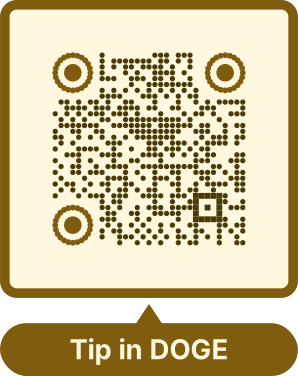
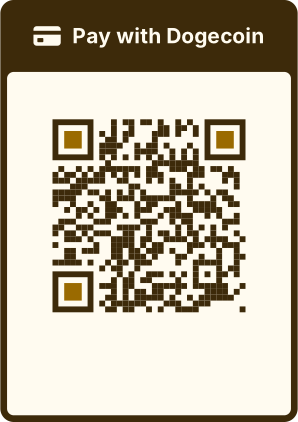
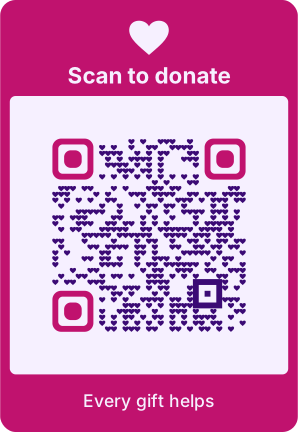
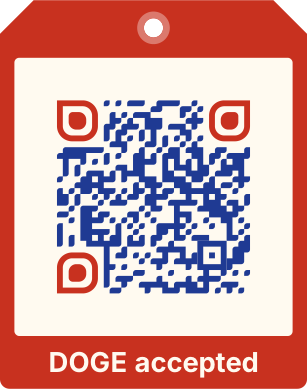
Samples in built-in themes. Each one scans, and none leads to a real account. Pick one to start from it in the playground.
How to create a Dogecoin QR code
QRdx writes the dogecoin: URI that Dogecoin wallets read, in the browser, so the address stays with you.
- 1Paste a receiving address from your Dogecoin wallet.
- 2Optionally add an amount, a label and a message.
- 3Scan the preview with a wallet to check the address.
- 4Download the code.


Dogecoin QR code format
Format
dogecoin:<address>?amount=<DOGE>&label=<label>&message=<message>Example
dogecoin:DTestDemoWa11etTestDemoWa11etTestD?amount=42- Amounts are in DOGE with up to 8 decimals.
- QRdx checks the address's shape (it starts with D, A or 9) but not its checksum.
Which Dogecoin addresses work
Standard Dogecoin addresses start with D, and multisig (P2SH) addresses with A or 9; the generator accepts these. Testnet addresses, which start with n or 2, are rejected, so a test address can't end up on a printed sign by mistake.
For a tip jar, leave the amount empty: each person types what they want to give, and one printed code takes any number of payments.
Dogecoin QR code FAQ
Can I take back a payment sent to the wrong address?
No. Crypto payments are final, so check the address before you print.