Free Signal QR Code Generator
A Signal QR code opens a chat in Signal, the private messaging app. Journalists use it for tip lines, organizers for group sign-ups, and people on business cards.
Signal QR code designs
Samples in built-in themes. Each one scans, and none leads to a real account. Pick one to start from it in the playground.
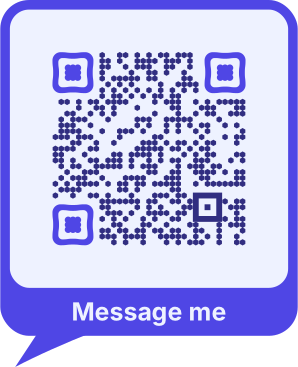
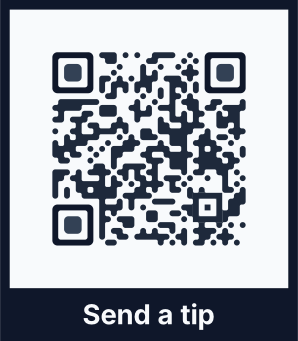
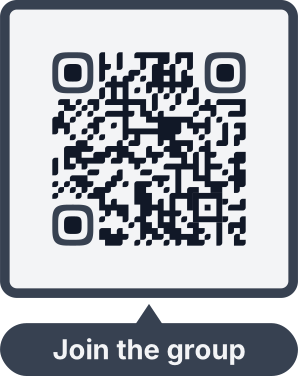
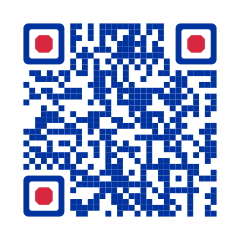
How to create a Signal QR code
With a phone number, QRdx builds a signal.me link. For a username or a group, copy the link from the Signal app and paste it: usernames can't be turned into links outside Signal.
- 1Choose a phone number, or a username or group link.
- 2Enter the number with its country code, or paste the link from Signal (Settings › Profile › Username › QR code or link).
- 3Scan the preview to check that Signal opens the chat.
- 4Download the code.


Signal QR code format
Format
https://signal.me/#p/+<phone number> or https://signal.me/#eu/…Example
https://signal.me/#p/+14155550132- The number sits after the #, a part of the link browsers never send to a server.
- A number opens a chat only if its owner lets people find them by number in Signal's privacy settings.
- Username links (#eu/…) and group links (signal.group) are kept as pasted.
Signal QR code FAQ
Should I share my number or a username?
A username link keeps your number private, and you can reset the link in Signal at any time, which stops the old code from working.
Does it work without Signal installed?
The link opens a signal.me page that offers to install Signal. The chat opens once the app is there.