Free Google Meet QR Code Generator
A Google Meet QR code opens a call in Meet, so people join from a meeting room sign, a slide or a class handout.
Google Meet QR code designs
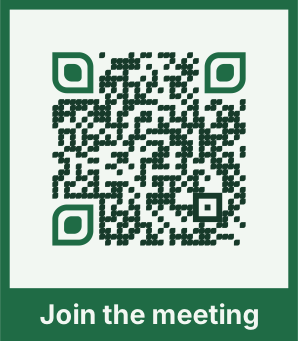
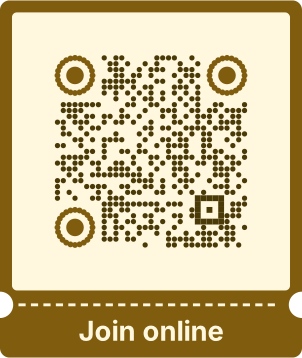
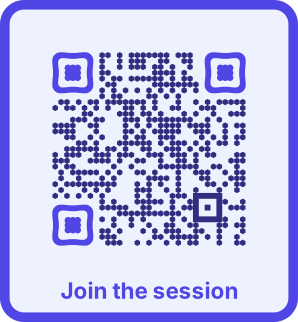
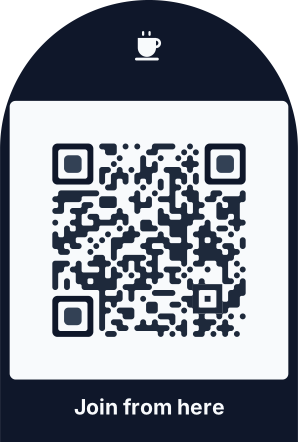
Samples in built-in themes. Each one scans, and none leads to a real account. Pick one to start from it in the playground.
How to create a Google Meet QR code
Paste the meeting link or type its code (three letters, four, then three, like abc-defg-hij), and QRdx builds the meet.google.com link.
- 1Copy the meeting link from Google Calendar or Meet.
- 2Paste it here, or type the code.
- 3Scan the preview to check the call opens.
- 4Download the code.


Google Meet QR code format
Format
https://meet.google.com/<abc-defg-hij>Example
https://meet.google.com/abc-defg-hij- Meeting codes are 10 letters; QRdx adds the dashes if you leave them out.
- Whether people join right away or wait to be let in depends on the meeting's settings in Google.
Google Meet QR code FAQ
Does a Meet code expire?
Codes from calendar events and recurring meetings last as long as the meeting. Instant meetings can expire when they end, so make the code from a scheduled one.
Do people need a Google account?
That depends on the host's Workspace settings. Many meetings let guests ask to join without signing in.