QR codes on name badges
At a conference, the badge is the business card. A QR code on each attendee's badge that saves their contact or opens their LinkedIn profile replaces the awkward phone-number exchange, and works across the whole event.
Badges are printed in bulk from the registration list, so codes should be created in bulk too, one per attendee, with a short link that keeps the code small and easy to scan from across a coffee table.
What to link from QR codes on badges
Swap contacts
A vCard Plus code per attendee that saves name, company and email with one scan.
Connect on LinkedIn
A profile code for attendees who'd rather connect than share a phone number.
Agenda on the back
A shared code on the back of every badge that opens the live agenda.
Staff and volunteer badges
Badges that open a 'how can I help?' page or the event's help desk.
Which QR code to use
Static codes are free and need no account, but can't be changed after printing. Dynamic codes and hosted pages can be edited at any time, count every scan, and keep working on every plan, even if you cancel.
vCard Plus page
A digital business card with photo, contact buttons and a Save contact button.
A contact page per attendee with a Save contact button, and a short code that scans easily from across a table.
Build it in the dashboardLinkedIn QR code
Opens the attendee's LinkedIn profile, free and static.
Open the LinkedIn generatorEvent page
Date, time, venue, organiser and add-to-calendar links, plus an .ics file for any calendar app.
The shared agenda code on the back of the badge.
Build it in the dashboardHow big to print it
| Where people scan | Distance | Minimum code width |
|---|---|---|
| Badge, face to face | 70 cm (28 in) | 8.1 cm (3.2 in) |
| Badge across a table | 1 m (3 ft) | 11.6 cm (4.6 in) |
For a dynamic short link such as https://qrdx.dev/q/aB3dE5f at error correction Q, without the blank margin. Static Wi-Fi, vCard or long URL codes hold more data and need to be larger. Check yours with the print size calculator and the scan checker.
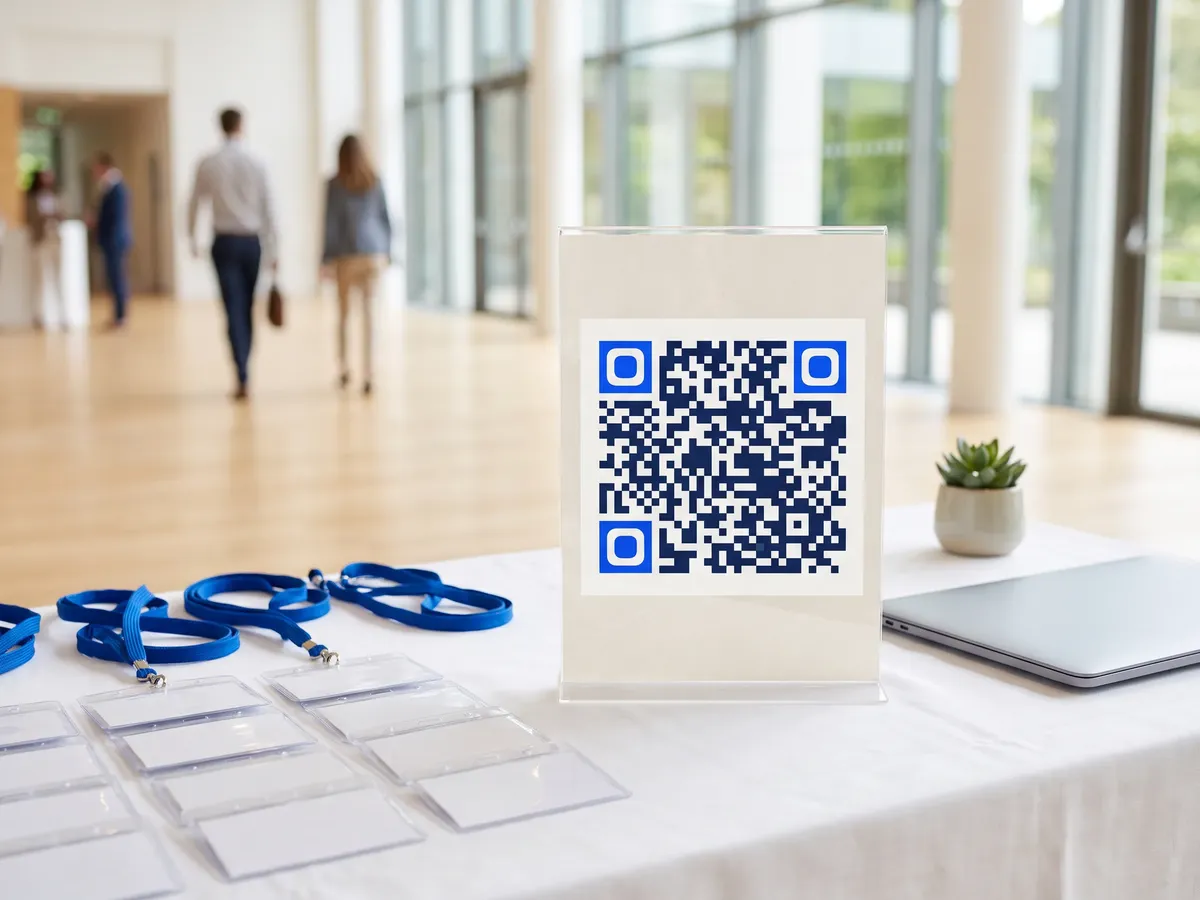
Placement tips
- Badges are read from about 70 cm; the code needs to be roughly 8 cm wide, which fits an A6 badge.
- Print the code on both sides, or use a double clip so badges don't flip.
- Laminated badges glare; matte pouches scan better.
- Don't encode email addresses or phone numbers in static codes unless attendees agreed to share them.
Call-to-action copy
A code with a reason to scan beside it gets more scans than a bare code. Lines to print next to yours:
- Scan to save my contact
- Let's connect
- Live agenda on the back
QR codes on badges: FAQ
How big should a QR code be on a name badge?
About 8 cm for scanning face to face at 70 cm with a short link. On smaller badges, scans happen closer, so 5 to 6 cm can work.
Can I create a QR code for every attendee?
Yes. Use the bulk generator for static vCard or LinkedIn codes from your registration CSV, or the REST API to create a dynamic code per attendee on a paid plan.
Is it okay to put attendees' details in badge QR codes?
Only with their consent. Ask during registration whether they want to share contact details, and leave the code off or link to a generic page for those who don't.