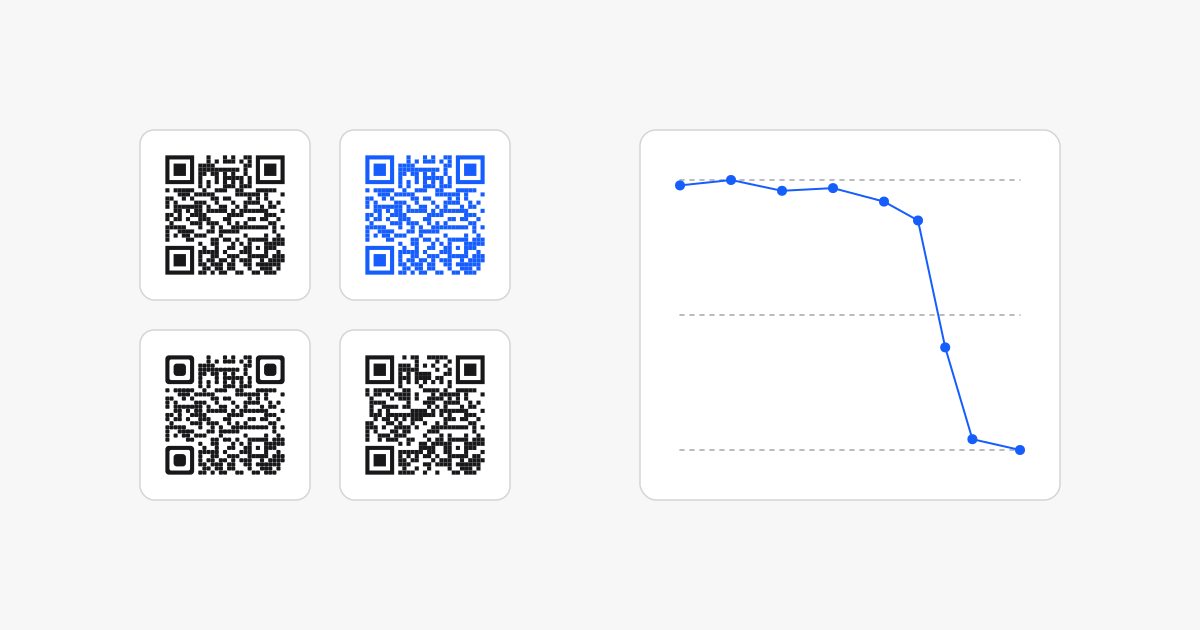
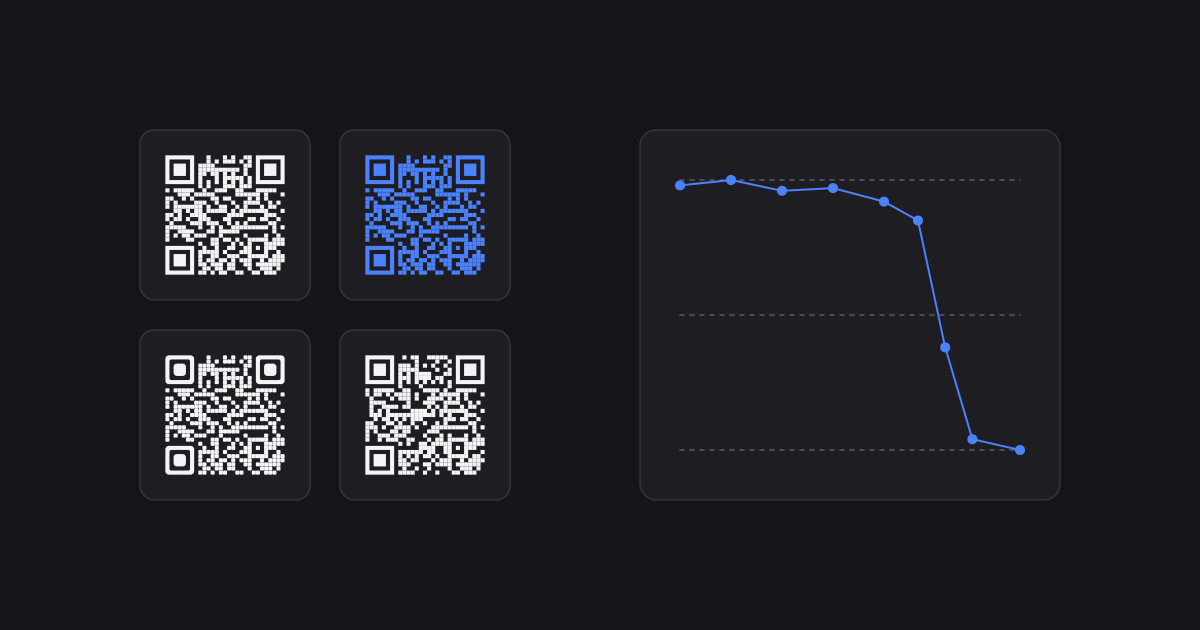
We drew QR codes with different logos, colours, margins, shapes and sizes, photographed them in software 12,108 times, and read every image with three open-source decoders: jsQR, ZXing-C++ and zbar. One thing changed at a time. The short answers:
- Logo: at error correction level H, a centred logo up to 39% of the code's width (15% of its area) was read in at least 80% of captures by all three decoders. One module wider, 42% of the width, and fewer than half were. At level M the limit was 24% of the width; at L, 17%.
- Contrast: ZXing-C++ and zbar read 98% or more of grey-on-white codes down to a 2:1 contrast ratio. jsQR needed 4.5:1, and at 3:1 it read one image in three.
- Light on dark: jsQR and ZXing-C++ read inverted codes almost every time. zbar, with its default settings, read none of 300.
- Quiet zone: printed straight onto a dark or busy surface with no light border, codes read in 0 to 38% of captures. One module of light border brought every decoder to 98% or more.
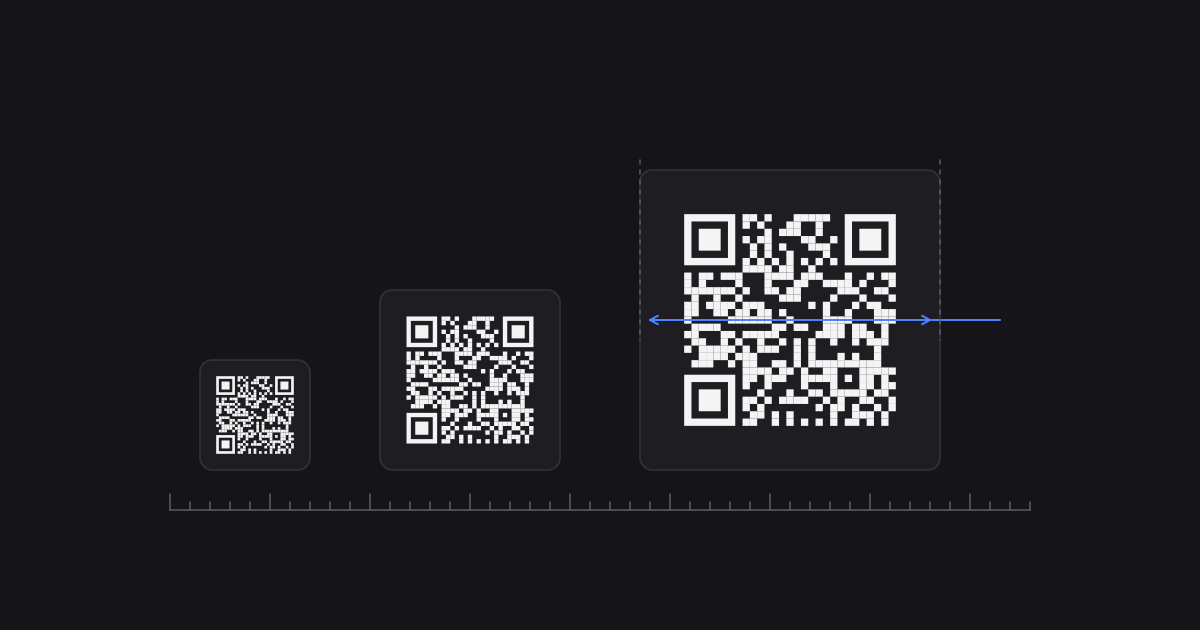
- Size: 2 camera pixels per module was enough on a clean image, 2.25 with a little sensor blur. At 1.5, fewer than half the codes were read by all three decoders.
- Damage: JPEG compression made almost no difference, even at quality 1. Blur did: everything read at a blur of 0.3 module, and nothing at 0.6.
The code, the data and the charts are on GitHub, with one command to run it again.
How big can a QR code logo be?
The logo here is a square in the middle of the code, cleared to the background colour, with a two-colour mark inside. It grows one module at a time, up to about 42% of the code's width (12 modules at L and M, 14 at Q and H). Width is measured against the code itself, without the quiet zone, and the area covered is the width squared.
| Error correction | Largest logo read in 80%+ by all three | One module wider |
|---|---|---|
| L (about 7% recovery) | 17% of the width, 3% of the area | 21% wide: 38% read |
| M (about 15%) | 24% of the width, 6% of the area | 28% wide: 58% read |
| Q (about 25%) | 33% of the width, 11% of the area | 36% wide: 20% read |
| H (about 30%) | 39% of the width, 15.5% of the area | 42% wide: 37% read |
Two things stand out. The first is how sharp the edge is: a logo either fits or it doesn't, and the step from "nearly always" to "rarely" takes one or two modules.
The second is that the edge sits exactly where the error-correction arithmetic says it should. A QR code splits its data into blocks, and each block can repair only so many wrong bytes (codewords): 7 or 8 per block in these codes at L and H, 13 at M and Q. Every module a logo hides can turn the codeword it belongs to into a wrong one. We checked each design the way an ideal decoder would read it, one sample in the middle of every module, and counted the wrong codewords in each block. The largest logo that kept every block within its budget, for all 12 URLs, was the largest logo all three decoders read in 80% or more of captures, at every level. The decoders read right up to the limit and not past it.
That's also why the familiar "level H survives 30% damage" doesn't mean a logo can cover 30% of the code. The 30% is a share of codewords, the worst block decides, and a logo damages more codewords than its share of the area. Here the safe area at H was about half of that.
zbar was the first decoder to miss as logos grew, nearly always on the rough phone shot (tilted, blurred and compressed, described below). With a 39% logo at H, it read every clean and camera-model capture and none of the 12 rough ones. A logo right at the limit leaves no room for a scratch, a fold or glare, so stay a few modules short of it.
How much contrast does a QR code need?
We drew grey modules on white, from black (21:1, the highest WCAG contrast ratio) down to a pale grey at 1.3:1.
The decoders disagree a lot here. ZXing-C++ read 98% or more of captures down to 1.75:1 and 92% at 1.5:1; zbar read 98% at 2:1 and 82% at 1.5:1. jsQR, which many web-based scanners are built on, read 97% at 4.5:1, 62% at 3.5:1, 33% at 3:1 and nothing at 2:1.
You rarely know which decoder will read your code, so the strictest one sets the bar. 4.5:1, the WCAG minimum for body text, cleared all three.
Do coloured QR codes scan?
Yes, if they're dark enough against their background. Colour itself didn't matter; the difference in brightness did. These are 18 pairs people print, five of them light on dark:
| Colours | Contrast | jsQR | ZXing-C++ | zbar |
|---|---|---|---|---|
Navy #1e3a8a on white | 10.4:1 | 100% | 100% | 100% |
Brown #78350f on cream #fef3c7 | 8.2:1 | 100% | 100% | 100% |
Dark green #166534 on white | 7.1:1 | 97% | 100% | 100% |
Purple #7c3aed on white | 5.7:1 | 100% | 100% | 100% |
Red #dc2626 on white | 4.8:1 | 100% | 100% | 100% |
Black on yellow #facc15 | 13.7:1 | 93% | 100% | 100% |
Orange #f97316 on white | 2.8:1 | 62% | 100% | 100% |
Pink #f472b6 on white | 2.7:1 | 35% | 100% | 97% |
Lavender #a78bfa on pale lilac #f5f3ff | 2.5:1 | 0% | 100% | 100% |
Blue #1d4ed8 on orange #f97316 | 2.4:1 | 10% | 60% | 0% |
Sky blue #38bdf8 on white | 2.1:1 | 0% | 100% | 100% |
Yellow #facc15 on white | 1.5:1 | 0% | 98% | 87% |
Red #dc2626 on green #16a34a | 1.5:1 | 0% | 0% | 0% |
| White on black | 21:1 | 100% | 100% | 0% |
White on navy #1e3a8a | 10.4:1 | 98% | 100% | 0% |
Gold #d4af37 on black | 10:1 | 98% | 100% | 0% |
Yellow #facc15 on dark blue #1e3a8a | 6.8:1 | 98% | 100% | 0% |
White on red #dc2626 | 4.8:1 | 100% | 100% | 0% |
Red on white read every time; red on green, about the same brightness as each other, never did. Blue on orange is the pair the decoders disagreed on most, from 60% down to 0 at the same contrast ratio. Each decoder turns colour into grey its own way, so a pair near the line can pass one and fail another. Check colour pairs with a contrast checker before you print, and aim for 4.5:1 or more.
Do inverted (light-on-dark) QR codes scan?
The last five rows above are light modules on a dark background. jsQR and ZXing-C++ read 98 to 100% of them, at every contrast. zbar read none of 300.
That's a setting, not a limit: zbar only looks for dark-on-light codes unless it's told to try the inverted image as well (zbarimg -Stest-inverted), and with that option it read our inverted test image. But any scanner built on zbar's defaults won't read a light-on-dark code at all. If the code has to work everywhere, print it dark on light.
How much quiet zone does a QR code need?
The quiet zone is the light margin around the code. We tried 0 to 4 modules of it, with three kinds of surroundings: white paper, a dark surface, and a busy pattern of module-sized squares, the worst case of a code printed over a pattern or photo.
On white the margin hardly matters, because the paper is the margin. With no light border on a dark surface, jsQR and ZXing-C++ read none of 60 captures and zbar read 70%. On the busy pattern they read 10%, 2% and 38%.
One module of light border fixed it: 98% or more for every decoder on both surfaces. The QR standard (ISO/IEC 18004) asks for four modules. One was enough in these tests, but it leaves nothing for a trimmer that cuts close or a camera that crops tight, so give the code at least two when it sits on anything but plain light paper.
How small can you print a QR code?
What matters to a decoder is how many camera pixels each module covers. We drew the same code at 1 to 10 pixels per module, once with clean pixels and once with the kind of blur, noise and contrast loss a phone sensor adds at any distance (a blur of 0.7 pixels).
With clean pixels, 2 pixels per module read 100% with all three decoders and 1.75 read 96%; at 1.5, fewer than half of the codes were read by all three. With sensor blur and noise, the floor rose to 2.25 pixels per module. Call it 2.5 to leave a little room.
To turn that into a print size you need the scanner's frame size and field of view, which vary by phone and app. As an example: a frame 1,280 pixels across, a 70° field of view and a phone 30 cm away. The view is then about 42 cm wide, 3 pixels per millimetre, so 2.5 pixels per module means modules of at least 0.8 mm, and a 29-module code at least 2.4 cm wide. Our size guide gives sizes for each distance with some margin on top.
What blur, noise, compression and tilt do
Here the design stayed the same and the photo got worse, one kind of damage at a time, at 6 pixels per module (JPEG at 3).
- JPEG compression barely mattered. At 3 pixels per module every code read at every quality down to 1; at 6 pixels, jsQR missed one code of 24 at qualities 5 and 1.
- Blur is a cliff. Everything read with a blur of 0.3 module; at 0.5 only ZXing-C++ still read, and at 0.6 nothing did. A code that's a little out of focus reads fine, and one that's a bit more doesn't read at all.
- Noise wore jsQR and zbar down first: at a standard deviation of 32 grey levels (out of 255), jsQR read 75% and zbar 58%, while ZXing-C++ read every code. By 64, none did.
- Tilt barely mattered up to 65°. At 70°, jsQR read none; at 75°, only zbar still read.
Do dot and eye shapes matter?
We tried every dot pattern, eye frame and eye centre in QRdx's engine on the day of the test (23, 22 and 22), plus four it has retired, changing one part at a time and leaving the rest square.
Dot patterns made almost no difference: all 23 were read in 98% or more of captures by every decoder. The corner eyes are a different story, because they're how a decoder finds the code: it looks for runs of dark, light, dark, light and dark in the ratio 1:1:3:1:1 across each eye. Four eye frames with square centres lost 25 to 37% of reads with all three decoders together: circle, gear, shield and message. Much of that was ZXing-C++ on the rough, tilted shot, which it read in none of 12 for each of the four; jsQR also missed some of the flat captures. The shapes QRdx has retired show why they went: the curly frame was read by all three in 7% of captures and the diamond centre in none.
QRdx's own default look, circle dots with gear frames and circle centres, was read by all three decoders in 56 of 60 captures at level M and 55 of 60 at Q. jsQR read all 120. ZXing-C++ missed 4 of the 12 rough shots at each level, and zbar missed one at Q.
How we tested
- The code: a 33-character URL (
https://example.com/p/and an 11-character slug) at error correction level M, square modules and eyes, black on white, a 4-module quiet zone, no logo. That's a version 3 code (29 × 29 modules) at L and M and version 4 (33 × 33) at Q and H. Drawn by the QRdx engine and rasterised with resvg. - One change at a time: shapes, logo size × error correction, contrast and colour, quiet zone and surroundings, then pixels per module and photo damage on the plain code.
- Twelve URLs per design, so twelve different module layouts, each photographed five ways: crisp at 8 pixels per module; three captures through the camera model of QRdx's scan score (contrast down to 70% and a blur a quarter of a module wide) at 4, 6 and 9 pixels per module; and a rough phone shot at 5 pixels per module, turned 25° away, blurred, with contrast down to 80%, some noise, and saved as a quality-50 JPEG. The size and damage sweeps used 24 URLs. Every code sits at a different sub-pixel offset.
- Three decoders with their default settings, looking for QR codes only: jsQR 1.4.0, ZXing-C++ through zxing-wasm 3.1.6, and zbar 0.23.93 (Homebrew, macOS). A read counts only when the text matches the URL exactly. No decoder returned wrong text.
That's 12,108 images and 36,324 decodes, about five minutes with eight worker processes on an Apple M5 Max. Everything is seeded, so the same versions give the same numbers.
The scan score in QRdx's editor runs checks like these on your own design before you print: contrast, the logo against the error correction, and decoding at small sizes through the same camera model. It tests the code on its own background, not on the surface you'll print it on, so the quiet zone results above still apply: if the code will sit on anything dark or busy, give it a light border.
What this test can't tell you
- The photos are simulated. A real phone adds focus hunting, motion blur, glare, uneven light, lens distortion and its own image processing. It also reads many frames a second and needs only one to work.
- These are open-source decoders, not the scanners built into iPhone and Android cameras, which use their own detectors.
- One URL length. Bigger codes have smaller modules for the same print size, and from version 7 up a central alignment pattern that a large logo can cover.
- Colours are pixel values, not ink on paper. Print changes them.
- zbar builds differ. We've seen Homebrew's zbar on macOS and Ubuntu's build of the same version read the same image differently, so a Linux rerun may not match our zbar column exactly.
Run it yourself
The harness is in the QRdx repository under scripts/scan-study, with every result in CSV and JSON. You need Node 22, Bun and zbar (brew install zbar or apt-get install zbar-tools):
git clone https://github.com/qrdxinc/qrdx.git && cd qrdx
bun install && bun run --filter qrdx build:inplace
node scripts/scan-study/run.mjs
Change the URLs, the conditions or the decoders in study.mjs and run it again. If you get different numbers, we'd like to see them: open an issue on GitHub.