Free Swiss QR-bill QR Code Generator
A Swiss QR-bill carries its payment details in a QR code with a Swiss cross in the middle: your IBAN or QR-IBAN, your name and address, the amount and the reference. The person paying scans it with the QR scanner in their Swiss or Liechtenstein banking app, checks the payment and confirms it.
Swiss QR-bill QR code designs
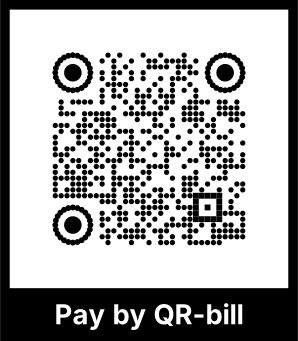
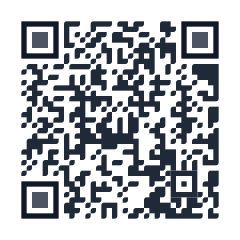
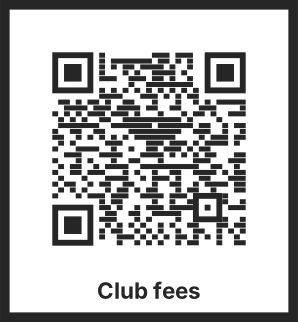
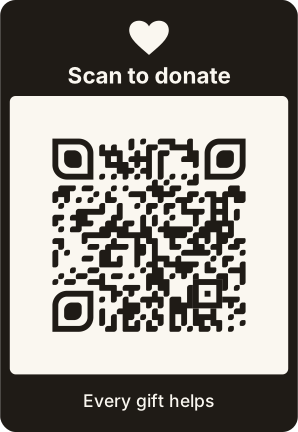
Samples in built-in themes. Each one scans, and none leads to a real account. Pick one to start from it in the playground.
How to create a Swiss QR-bill QR code
QRdx writes the code to SIX's Swiss Implementation Guidelines for the QR-bill: the Swiss Payments Code version 0200, a structured address, and a QR reference or RF creditor reference with its check digits checked. It draws the code at error correction level M with the 7 mm Swiss cross on top, as the guidelines ask. This is the code for the payment part; the receipt and the rest of the printed bill are up to your invoicing.
- 1Enter your IBAN or QR-IBAN and your name and address as they appear on the account.
- 2Choose francs or euros and, if you like, an amount.
- 3With a QR-IBAN, add the 27-digit QR reference from your invoicing; with an IBAN, an RF creditor reference or none.
- 4Scan the preview with your banking app, then print the code at least 46 × 46 mm, black on white.


Swiss QR-bill QR code format
Format
SPC
0200
1
<IBAN>
S
<name>
<street>
<number>
<postcode>
<town>
<country>
(7 empty lines)
<amount>
<CHF|EUR>
(payer: S and 6 lines, or 7 empty)
<QRR|SCOR|NON>
<reference>
<message>
EPD
Example
SPC
0200
1
CH4431999123000889012
S
Robert Schneider AG
Rue du Lac
1268
2501
Biel
CH


1949.75
CHF


QRR
210000000003139471430009017
Order of 15 June 2026
EPD- Every line up to EPD is written, empty ones included, and nothing follows the last line. QRdx joins the lines with line feeds, which the guidelines allow.
- A QR-IBAN (institution ID 30000 to 31999) always takes a 27-digit QR reference, checked with its modulo 10 recursive check digit, and francs only. An IBAN takes an RF creditor reference (ISO 11649) or no reference.
- Amounts are written with two decimals, from 0.01 to 999,999,999.99. Leave the amount empty and the payer enters it.
- Text uses the Latin character set the guidelines list. Curly quotes and dashes are written as plain ones; anything else outside the set is refused.
- The code holds at most 997 bytes and is drawn at error correction M with the Swiss cross at 7/46 of its width.
Swiss QR-bill QR code FAQ
Which apps read a Swiss QR-bill code?
Swiss and Liechtenstein banking apps and e-banking scan it with their QR scanner, depending on the bank. A phone's camera app only shows the text, because the code holds payment data, not a link.
QR-IBAN or IBAN?
A QR-IBAN comes with a QR reference that your bank uses to match payments to invoices automatically. A normal IBAN works with an RF creditor reference or none. Your bank tells you which one your account has.
Can I change the colours?
The guidelines describe the Swiss QR Code in black and white with the Swiss cross, at 46 × 46 mm. Keep it that way on bills you send, so every banking app reads it.
Is my IBAN sent to QRdx?
No. The code is made in your browser, and the playground never puts payment details in a link.