Run through these seven checks before a QR code goes on a menu, a box, a poster or a sign. The numbers come from our scan study, where we read 12,108 test images with three open-source decoders: jsQR, ZXing-C++ and zbar. Each check links to the results it's based on.
The checklist
-
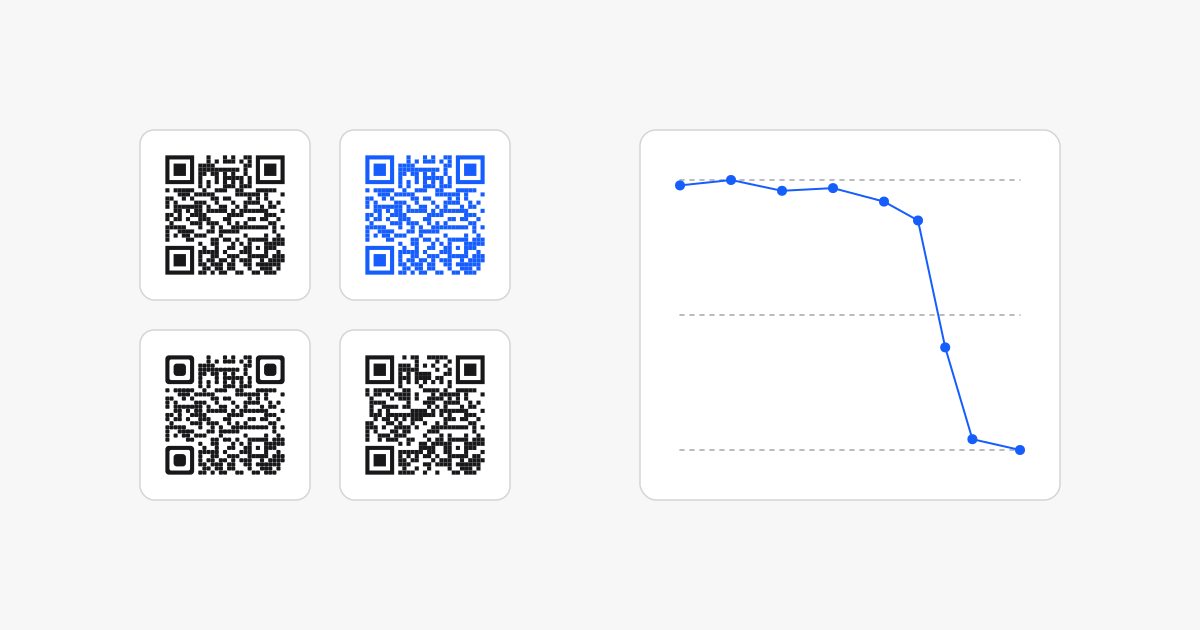
Leave a light border around the code. Give it at least 2 modules of light margin, the quiet zone, whenever it sits on anything but plain light paper. The QR standard asks for 4. Printed straight onto a dark or busy surface with no border, codes were read in 0 to 38% of captures. One module of border brought every decoder to 98% or more, but it leaves nothing for a trimmer that cuts close. Quiet zone results
-
Print dark on light, at a contrast of 4.5:1 or more. 4.5:1, the WCAG minimum for body text, cleared all three decoders. At 3:1, jsQR read one image in three. Don't invert the code: zbar, with its default settings, read none of 300 light-on-dark codes, so a scanner built on it won't read yours. Contrast results
-
Judge colours by brightness, not hue. Red on white was read every time. Red on green, about as bright as each other, never was. Check every colour pair with a contrast checker, and leave some room above 4.5:1, because ink on paper shifts colours. Colour results
-
Keep the logo within what error correction can repair. At error correction level H, a centred logo up to 39% of the code's width (15% of its area) was read in at least 80% of captures by all three decoders. At M the limit was 24% of the width, and at L, 17%. One module wider and most reads failed. Stay a few modules short of the limit, because a scratch or glare has to fit in the same budget. Logo results
-
Be careful with round or decorative corner eyes. Dot patterns made no difference. But circle, gear, shield and message eye frames lost 25 to 37% of reads with all three decoders together. If you use them, test on more phones. Shape results
-
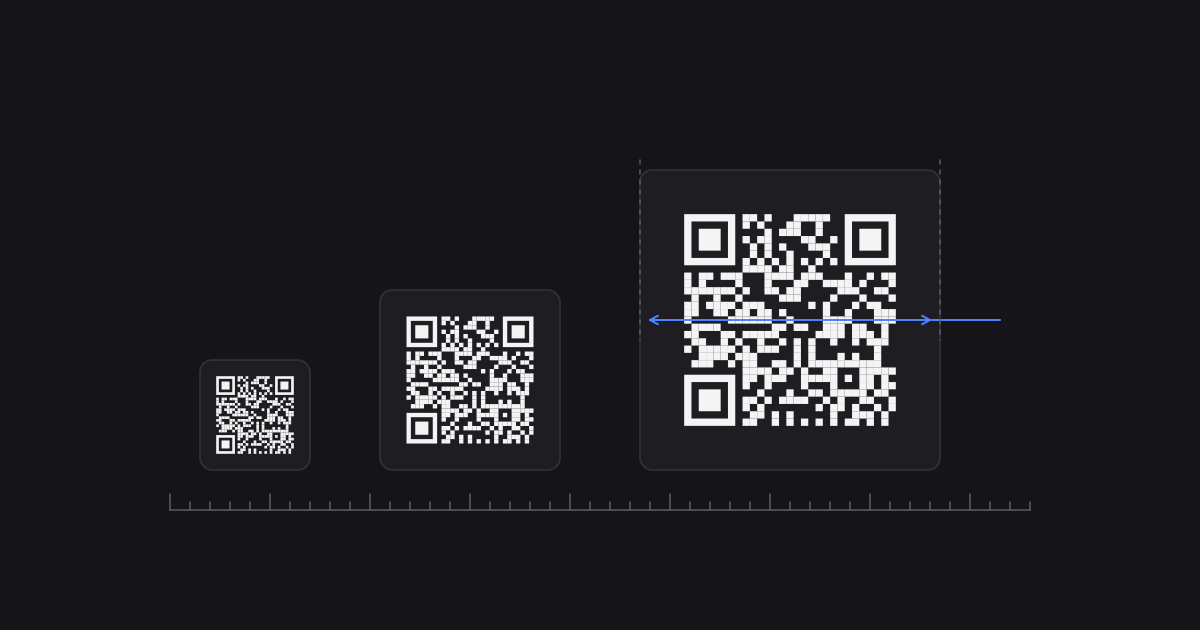
Print it big enough for the distance. A decoder needs at least 2.25 camera pixels per module once a phone's sensor blur is counted, so plan on 2.5. In the study's example (a frame 1,280 pixels across, a 70° field of view and a phone 30 cm away), that means modules of at least 0.8 mm, so a 29-module code at least 2.4 cm wide. More content means more modules, and a bigger code. Work out yours with the print size calculator or the size guide. Size results
-
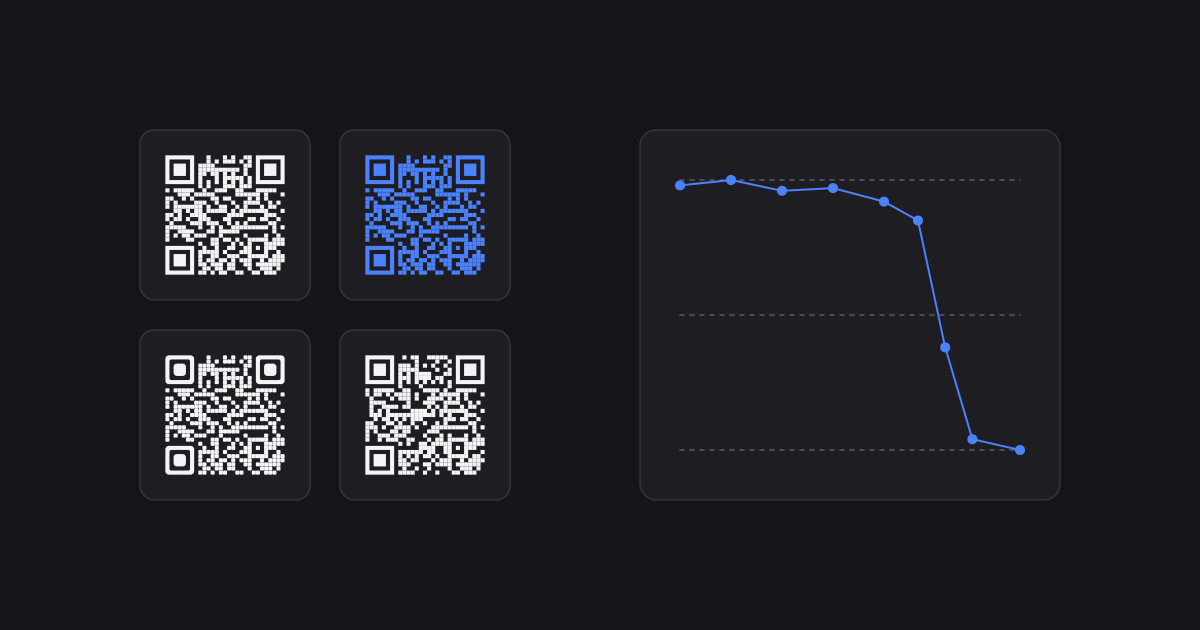
Test the real thing. Check the scan score in the QRdx editor or the scan checker before you download, then scan a printed proof with two or three phones from where people will stand. Blur is a cliff: codes read fine at a blur of 0.3 module and not at all at 0.6, so a slightly soft print can fail completely. Blur results
One decision to make first
A static code holds the link itself, so it can't change after printing. A dynamic code points to a short link you can change later, so if the page might move, it saves a reprint.