Free FaceTime QR Code Generator
A FaceTime QR code starts a FaceTime call to a phone number or the email of an Apple Account. It works on iPhone, iPad and Mac; other phones can't open it.
FaceTime QR code designs
Samples in built-in themes. Each one scans, and none leads to a real account. Pick one to start from it in the playground.
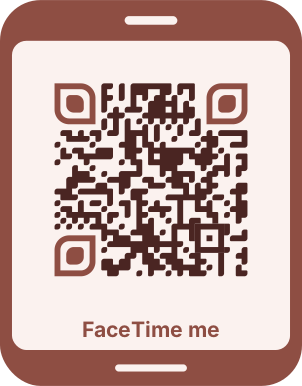



How to create a FaceTime QR code
For a call anyone can join, including people on Android and Windows in their browser, make a link in FaceTime with Create Link and paste it instead.
- 1Choose a call to a number or email, or a FaceTime link.
- 2Enter the number or email (and turn on audio only if you like), or paste the link.
- 3Scan the preview on an iPhone to check FaceTime opens.
- 4Download the code.


FaceTime QR code format
Format
facetime:<number or email>, facetime-audio:<…> or https://facetime.apple.com/join#…Example
facetime:+12025550142- facetime: and facetime-audio: are Apple's URL schemes for FaceTime calls; Apple devices ask before they call.
- FaceTime links can't be built from a number: make one in the FaceTime app.
Which devices open a FaceTime code
facetime: and facetime-audio: links open FaceTime on iPhone, iPad and Mac. Android phones and Windows PCs have no FaceTime app, so they can't use them; Apple documents the audio scheme for iPhone and iPad.
A FaceTime link (facetime.apple.com/join…) is made in the FaceTime app with Create Link. People on Apple devices join in FaceTime, and others join from a current Chrome or Edge browser, but they can't start calls. FaceTime links aren't available in mainland China.
FaceTime QR code FAQ
Can Android phones scan it?
A call code only works on Apple devices. A FaceTime link opens on Android and Windows too, where people join from Chrome or Edge.
Does the code call right away?
No. The device shows who it's about to call and waits for a tap.