Free Tron QR Code Generator
A Tron QR code holds your Tron address, the T… address your wallet shows on its own receive screen. No static payment URI is documented for Tron wallets: the documented transfer deep link needs the payer's own address and a callback, so it can't be printed.
Tron QR code designs
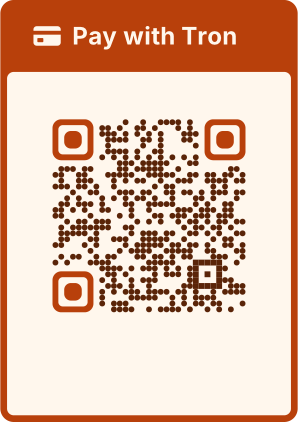
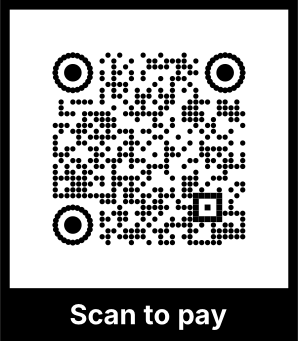
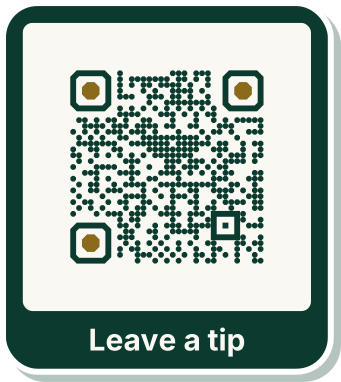
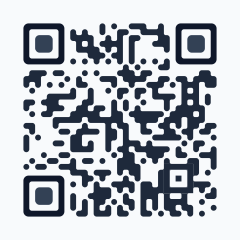
Samples in built-in themes. Each one scans, and none leads to a real account. Pick one to start from it in the playground.
How to create a Tron QR code
TRX, TRC-10 tokens and TRC-20 tokens such as USDT all use the same address, so the code can't say which coin or network you expect. Print it next to the code: "USDT (TRC-20, Tron network)" or "TRX".
- 1Copy the address from your wallet's receive screen and paste it in.
- 2QRdx checks its checksum, and refuses Tether's USDT contract address if it's pasted by mistake.
- 3Scan the preview with your wallet to check the address.
- 4Download the code and print the coin and network beside it.


Tron QR code format
Format
<T… address>Example
TNPeeaaFB7K9cmo4uQpcU32zGK8G1NYqeL- The address is checked with its Base58Check checksum and its 0x41 prefix byte.
- Tether's USDT contract (TR7NHqjeKQxGTCi8q8ZY4pL8otSzgjLj6t) is refused as a recipient: it's the token's contract, not a wallet.
- There's no amount: no static request format is documented for Tron wallets.
Tron QR code FAQ
Can I ask for USDT?
The same address receives TRX and TRC-20 USDT, and the code can't say which. Print "USDT (TRC-20, Tron network)" next to it so payers send on the right network.
Can I add an amount?
No. Tron wallets document no static request format with an amount, so the payer enters it.
Is my address sent to QRdx?
No. The code is made in your browser, and the playground never puts payment details in a link.