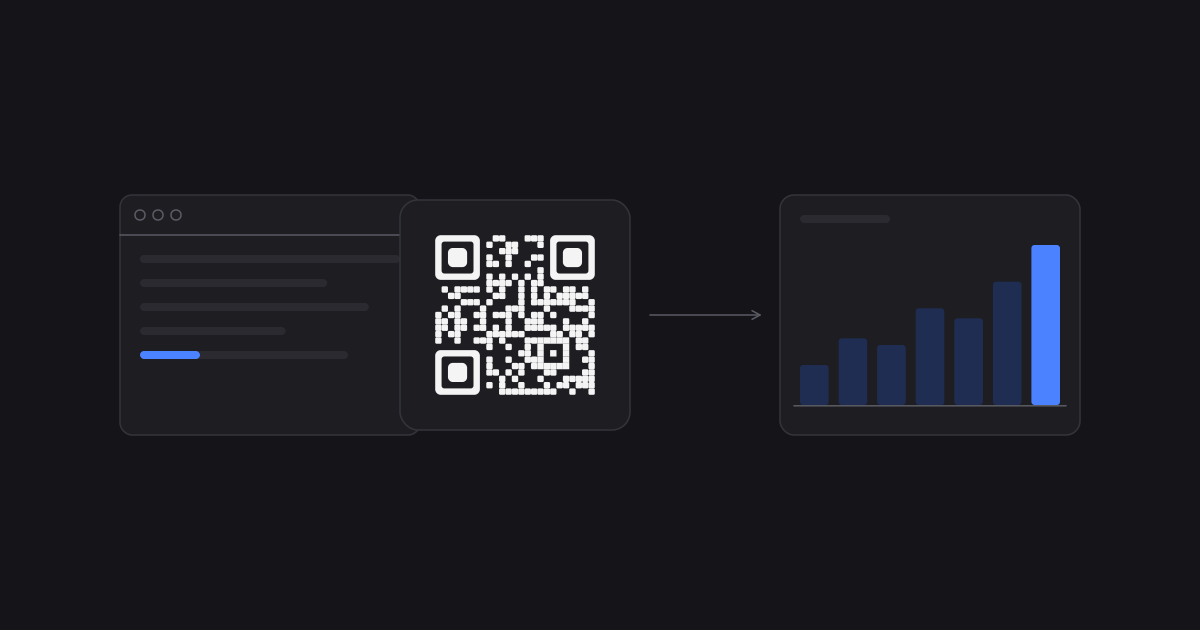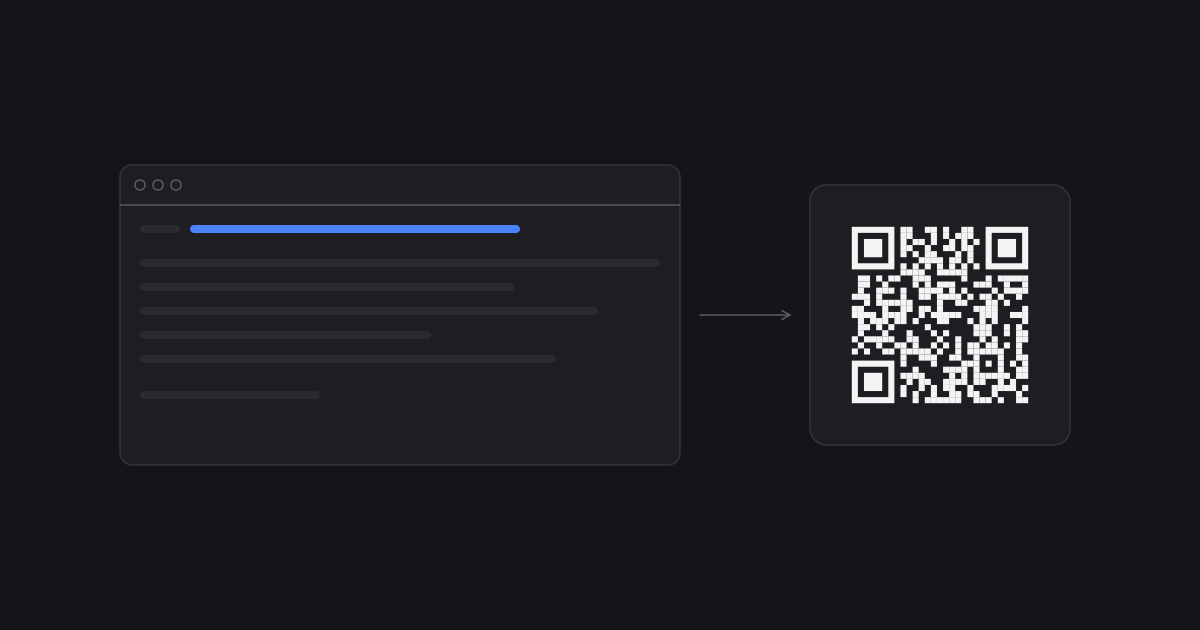
You can now make a QR code from a link you already have in Bitly, Dub, Dropbox, Stripe or Shopify, and send scans and form responses to Zapier, Make, n8n, Google Sheets, Slack or Discord. The integrations page lists the integrations qrdx.dev offers, and each one has its own page with setup steps.
Each integration carries one of three labels. Connect means you sign in to the other service, or paste an API key from it, under Settings → Integrations.
Built in means there's nothing to connect, because you paste a link or an ID into QRdx. Guide means the setup happens in the other tool, and the integration's page walks you through it.
Short links in the editor

Connect Bitly, Rebrandly or Short.io, and the URL type in the QR editor can shorten its link. Open Use a link from… next to the address and pick the service. QRdx creates the link in your account, or lets you pick one you already have, and the code encodes that short link.
Bitly connects with a Bitly sign-in or a generic access token you paste, and Bitly picks the back-half. Rebrandly takes an API key, and you choose the domain and the slashtag.
Short.io takes a secret API key and asks which of your domains new links use; type your own path or let Short.io pick one.
With all three, you change where the link points in that service, and that's where its clicks are counted. Only paid Bitly plans can change a destination, a set number of times a month. To edit the destination in QRdx and get QRdx's scan analytics instead, make a dynamic code.
Dub has its own content type. Connect your Dub workspace and the editor can create a Dub link or pick an existing one, and Settings → Integrations → Dub shows each link's clicks by day, country, device, browser and OS. You can also paste any Dub link without connecting.
Files and folders

In the Google Drive content type, pick a document, sheet, slide deck, PDF or folder, and QRdx encodes its share link. People who scan need access to the file, so set its sharing to "Anyone with the link" in Drive if the code is public.
Dropbox shows up in the same Use a link from… menu. Browse or search your Dropbox, pick a file or folder, and QRdx creates its shared link or reuses the one it already has.
If your team only allows team links, QRdx tells you right away, so a printed code doesn't send people to a sign-in page.
Hosted pages can use Dropbox files too: PDF, audio, video and download blocks get From Dropbox and link straight to the file.
Payment, product and booking links
Some integrations list things from your account in the URL type's Use a link from… menu, so you pick one instead of copying a link by hand.
Stripe lists your active Payment Links with their name, price and currency. It connects with a restricted key that can only read Payment Links. QRdx refuses full secret keys, and never sees payments, customers or balances.
Shopify lists your active products with their image and price, and encodes the product page on your store's primary domain. You connect an app you create for your own store in Shopify's Dev Dashboard, with the read_products scope. It can also download a CSV of every product for the bulk importer.
Cal.com has its own content type. Connect it with an API key from Cal.com, pick one of your event types, and the code opens its booking page.
YouTube and Spotify need no account at all. Paste a link into their content types and QRdx cleans it up: it drops the tracking parameters, keeps a video's start time and playlist, and previews the title and thumbnail or cover art before you print.
Scans and form responses, sent where you work
On Business, QRdx sends signed webhooks for scans, scan milestones, new and changed codes, and form submissions.
Paste the address from a Zapier Catch Hook trigger, a Make custom webhook or an n8n Webhook node into Settings → Webhooks and pick the events. On Zapier's side, Webhooks by Zapier is a premium app, so it needs a paid Zapier plan.
Each request carries an HMAC-SHA256 signature. QRdx retries a failed delivery up to 8 times over about two days, and scans arrive in batches of up to 100 a minute. The webhooks docs show how to check the signature.
For n8n there are also QRdx's own community nodes, which make code images and create and edit dynamic codes on any plan. They install into a self-hosted n8n.
Chat alerts are on Business too. Paste a Discord or Slack incoming webhook into Settings → Notifications and choose what to hear about: a code's first scan, scan milestones, form submissions and code changes.
Each channel gets at most 30 alerts of one kind an hour, and the messages never mention @everyone, @here or a role, whatever visitors type into a form.
Slack also has an Add to Slack button, so you can pick a channel without creating a webhook first.
Google Sheets is on the Free plan. Export the scans of one code, or of every code, to a new spreadsheet, and turn on Keep in sync to add new scans at most once every five minutes. Form responses from a hosted page export the same way, with one column per question.
QRdx can only open spreadsheets it created, and it writes every cell as plain text, so nothing a visitor typed runs as a formula.
Your own analytics on hosted pages
On Pro, a code that opens a hosted page can load your Google Analytics, Meta Pixel, TikTok Pixel or LinkedIn Insight Tag. Paste the ID in the Tracking pixels panel on the code's Settings tab.
Pixels wait for consent. By default, visitors in the EU/EEA, the UK and Switzerland, and visitors whose location is unknown, choose Accept or Decline before anything loads. QRdx's own scan analytics don't use cookies, and QRdx adds no third-party scripts of its own.
Google Tag Manager works too, but only when the page opens on one of your custom domains. A container can run any script, so it never runs on qrdx.dev, where visitors may be signed in to QRdx.
How connecting works

Most Connect integrations use the other service's own sign-in, OAuth, so you approve access on their page and QRdx never sees your password.
Dropbox, for example, asks to read your account and file details and to manage shared links, and not to read what's in your files. The other Connect integrations take an API key you create in that service.
Tokens and keys are stored encrypted, and QRdx refreshes sign-in tokens before they expire, so you don't have to reconnect. Integrations belong to your user account, and you can disconnect any of them in settings.
Disconnecting deletes the stored token, and for Dropbox it also revokes the token with Dropbox. For services where you pasted a key, delete the key there too if you no longer use it. Codes you already made keep working, because they hold the link, not your token.
If you run your own QRdx
On a self-hosted instance, the integrations that sign in with OAuth need an app at each service, with its client ID and secret in your environment. Bitly also works with pasted tokens, and Rebrandly, Short.io, Stripe, Shopify and Cal.com need nothing extra.
In production, every integration that stores a token or key also needs INTEGRATION_ENCRYPTION_KEY, which encrypts them. A production build hides any integration that isn't set up. The self-hosting guide and the short links and file pickers docs cover the variables for most of them.
Build your own

If your product should make QR codes for its users, it can be a QRdx integration too. Create an OAuth app under Settings → API keys & apps, send people through QRdx's consent screen with OAuth 2.0 and PKCE, and call the REST API for them.
A Free workspace can have one OAuth app, Pro five and Business 25. When yours works end to end, email support@qrdx.dev to have it listed on the integrations page as a Community integration. Build an integration covers every step.
AI assistants, chat apps and plugins have their own pages. The MCP server lets Claude, ChatGPT, Cursor, VS Code and other MCP apps make QR codes in a chat, and the Telegram bot does the same in Telegram, both with no account.
The Chrome extension is in the Chrome Web Store, and the plugins for Figma, Raycast and Canva install from source for now.
Anything that accepts a webhook or calls an HTTP API works with QRdx. If there's a tool you'd like connected, open an issue on GitHub.